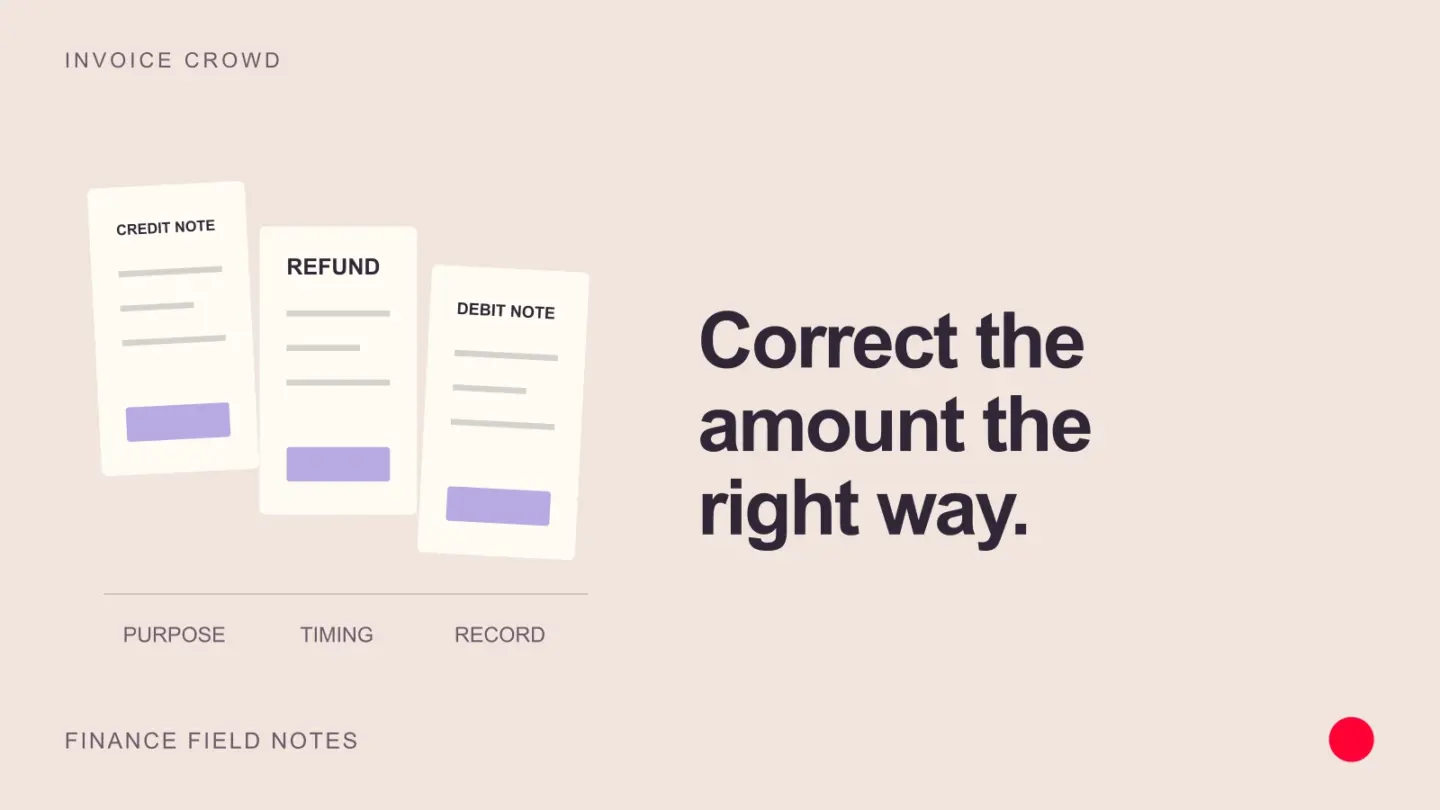
A credit note reduces an invoiced amount. A refund returns money already paid. A debit note records or requests an adjustment, but its meaning depends on who issues it and the rules that apply. These documents can relate to the same correction without doing the same job.
Credit note, refund and debit note compared
| Record | What it does | Does money move? | Example |
|---|---|---|---|
| Credit note | Documents a reduction to an earlier sale | No | You billed 1,000 but agreed to charge 800 |
| Refund | Returns money to the customer | Yes | You return the 200 the customer overpaid |
| Seller-issued debit note | Documents an increase where the applicable rules permit it | No | You need to correct an undercharge |
| Buyer-issued debit note | Notifies a supplier of a claimed reduction or return | No | You ask a supplier to credit damaged goods |
Buyers and sellers use debit notes differently, so the two are easy to confuse. Confirm which side of the transaction the document comes from. For example, HMRC describes debit notes for increases in consideration. That is different from a buyer asking a supplier to reduce a bill.
When to issue a credit note
Use a credit note to document an agreed reduction after an invoice has been issued, such as returned goods, a pricing error, cancelled work or a later discount. Keep the original invoice and the correction linked so both you and the customer can explain the balance.
Example: the customer has not paid
You sent an invoice for 1,000. A 200 line was added by mistake. Issue a 200 credit note and apply it to that invoice. The customer now owes 800. There is no refund because you have not received the extra money.
Example: the customer already paid
The same customer paid the full 1,000 before the mistake was found. The 200 credit records the reduction. You can apply it to another eligible invoice by agreement or return the 200. A credit balance is not evidence that the refund has reached the customer’s bank.
These examples exclude tax to make the arithmetic clear. Where the original amount includes tax, the correction must reflect the applicable tax treatment as well.
When a refund is needed
A refund settles an amount by returning funds. Agree how the overpayment will be handled, taking account of any contractual or statutory refund rights. Do not assume every customer wants store credit or will buy from you again.
- Confirm the amount and reason for the refund.
- Make the refund through the bank or payment provider used for the transaction.
- Keep the transaction reference and record the refund against the relevant customer credit.
- Check that the credit balance and bank or provider record agree.
In Invoice Crowd, recording a refund on a credit note updates your records. For an online invoice payment made through Stripe, PayPal, Razorpay, Square, Braintree, Authorize.net, Airwallex or GoCardless, the invoice’s Refund action sends the money back through the provider and books it once the provider confirms. For other payments, complete the transfer separately, then record what happened.
How debit notes and vendor credits fit
If a supplier billed you too much, ask them to correct it. Your business may issue a debit note describing the disputed amount, depending on its purchasing process and local requirements. The supplier’s accepted correction and credit document establish what you can apply against their bill.
For example, a supplier billed 600 for ten items, but two were returned. A 120 vendor credit can reduce the outstanding bill to 480. If the bill was already paid, retain the credit for an eligible future bill or record a supplier refund once received. Read our bill, expense and receipt guide if you are deciding which purchasing record to use.
What to keep with a correction
- The original invoice number and date.
- The reason for the adjustment and any customer or supplier agreement.
- The affected lines, amount, currency and tax treatment.
- The correction document’s own reference and date.
- Any application or refund reference that explains how the balance was settled.
Correction requirements vary by jurisdiction. The UK VAT guide, for example, sets conditions for credit and debit notes. Follow the rules that apply to your business rather than treating one country’s procedure as universal.
Manage the correction in Invoice Crowd
With our credit-note workflow, you can keep customer credits, invoice applications and refund records together. Use vendor credits for supplier-side corrections. Keeping the two separate makes it easier to see whether your business owes a customer or a supplier owes your business.
Frequently asked questions
Can a credit note reduce an unpaid invoice?
Yes. Apply the credit to the eligible invoice to reduce what the customer owes. No cash refund is needed for an amount they have not paid.
Does a credit note automatically refund a card payment?
No. A credit note documents the adjustment. In Invoice Crowd, the invoice’s Refund action sends an online payment back through Stripe, PayPal, Razorpay, Square, Braintree, Authorize.net, Airwallex or GoCardless and records it once the provider confirms. For other payments, use your bank or provider to return the money and retain the reference.
Is a debit note always issued by the buyer?
No. Buyers may use debit notes to request supplier credits, while sellers may issue them for an upward adjustment where permitted. Check the issuer, purpose and local rules.
Can I edit the original invoice instead?
You can correct an unsent draft. For an issued invoice, use a traceable correction process that meets the applicable requirements and gives the customer a clear record of what changed.