Alder Studio, a four-person design firm, sends about 18 invoices a month for roughly $40,000 in fees. Its invoicing app shows every one of them paid. The business bank account shows about $1,160 less, because the card processor kept its fees, and the bookkeeper first recorded a $25,000 equipment loan as sales. Neither mistake is a billing problem. Both are accounting problems.
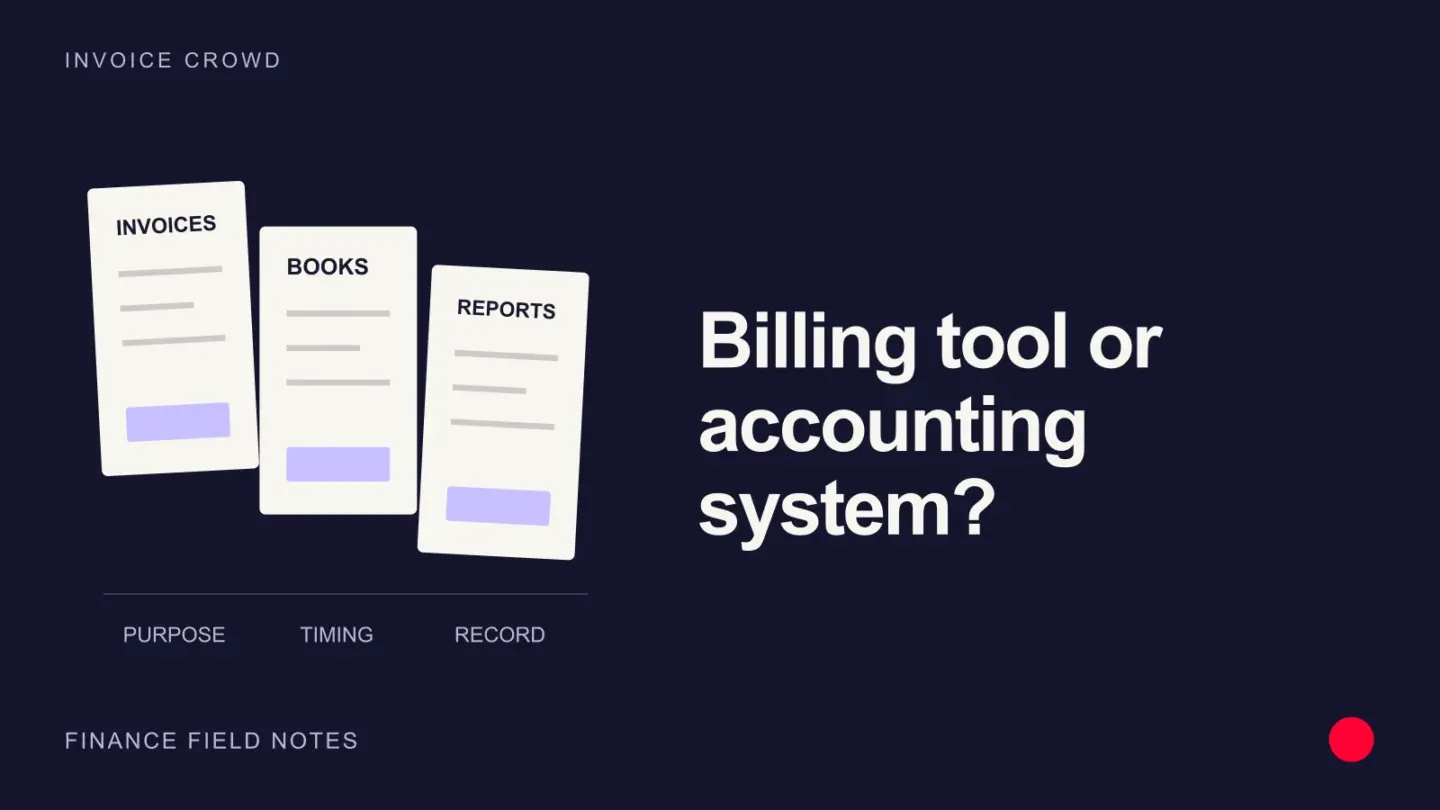
Invoicing software creates and sends the bills you issue to customers, then tracks what they view, approve and pay. Accounting software records every financial transaction, including sales, expenses, loans and assets, in a double-entry ledger that produces your financial statements. Many small businesses need both, in one product or in two connected tools.
To see what changes once an invoice becomes an accounting record, follow a customer invoice through the general ledger.
Invoicing software vs accounting software at a glance
| Question | Invoicing software | Accounting software |
|---|---|---|
| What did we agree to bill? | Core job: estimates, invoices, tax | Stores the result, often without the sales context |
| Has the client viewed or paid? | Core job: tracking, reminders, online payment | Receives the payment as a ledger entry |
| What did the business spend and owe? | Limited or absent | Core job: bills, expenses, accounts payable |
| What are assets, liabilities and equity? | Outside scope | Core job: balance sheet |
What the best software for invoicing does, and the bookkeeping it leaves out
A good invoicing tool turns agreed work into a document a client will pay. It holds your customers and items, applies tax and payment terms, sends the invoice by email or link, records partial payments and chases late ones with reminders. The client’s side should be easy: a clear page, a pay button and no reason to ask a question.
What it does not have to do is bookkeeping. When Alder’s client pays a $12,000 invoice by card, the invoice shows $12,000 paid. The bank receives $11,652, because the processor kept a 2.9% fee of $348. Accounting software records all three facts in one entry:
| Account | Debit | Credit |
|---|---|---|
| Bank | $11,652 | |
| Merchant fees (expense) | $348 | |
| Accounts receivable | $12,000 |
An invoice-only tool has no place for the fee or the bank. If the bookkeeper later records bank deposits as sales, revenue is understated by the fees and the expense never appears.
What online accounting software adds
Accounting software is built on double-entry accounting: every transaction posts equal debits and credits to accounts in a chart of accounts. That structure lets the system produce a profit and loss statement, balance sheet and cash flow statement that agree with each other. The accounting features that matter most:
- Bills and expenses, so money leaving the business is recorded when it is owed.
- Bank reconciliation, matching each line on the bank statement to a recorded transaction, as our bank reconciliation guide shows.
- Liability and equity accounts, so Alder’s $25,000 loan sits on the balance sheet as debt instead of inflating sales.
- Manual journals for accruals, depreciation and corrections in the month-end accounting process.
- Accounting reports on a cash or accrual basis, a choice our guide to cash vs accrual accounting explains.
Accounting software can help you, the small business owner, see the health of your business every month rather than once a year. Most cloud-based software also lets your accountant log in and export to tax software, which takes many accounting tasks off the owner at year-end.
When invoicing software alone is enough
A new freelancer with a few service clients mainly needs estimates, invoices, reminders and a clean list of what remains due. If an accounting professional keeps the books elsewhere, a focused invoicing tool is enough when:
- The business has simple ownership and no inventory or payroll.
- The accountant has an agreed import process, and every invoice, credit, payment and fee can be exported. A folder of PDFs is not transaction data.
- The owner knows which tax and filing duties sit outside the tool.
When you need comprehensive accounting software for small business
Accounting depth matters as soon as the business needs to explain more than sales. The trigger is the complexity of the facts you must preserve, not the size of your business. A retailer with inventory and sales tax in several states needs an accounting system sooner than a consultant with ten steady invoices a month.
| Trigger | Why invoice-only becomes fragile | Minimum next capability |
|---|---|---|
| Vendor bills and due dates | Cash leaving the business is not represented | Accounts payable and expense records |
| Loans or owner funding | Bank deposits can be mistaken for revenue | Liability and equity accounts |
| Inventory | Sales do not explain stock or cost of goods sold | Inventory management software that posts to the ledger |
| Payroll | Wages and employer taxes go unrecorded | Payroll software linked to the accounts |
Two or more of these triggers is usually the point to move. As the business grows, waiting means rebuilding months of business finances from bank statements.
Small business accounting software options, from basic to comprehensive
The accounting software options for small businesses fall into four groups.
- Basic accounting software or bookkeeping software. Income, expenses, bank reconciliation and simple reports, designed for small businesses with one owner and few transactions. The simplest accounting software is often the best accounting software for freelancers.
- Billing and books in one product. Client-facing proposals, invoices and payments on top of a full ledger, for service firms that bill often.
- Comprehensive accounting suites. Cloud-based accounting software with advanced accounting features such as inventory, multi-currency, budgets, fixed assets and approvals. It suits small businesses that need tighter control and any larger business with several entities.
- Open source accounting software. Free to license and self-hosted, so someone on your side must install, update and back it up.
Where an accounting service fits
An accounting service, such as an online bookkeeping firm, does the bookkeeping and filings for you, usually on its own accounting platform. That lets you focus on running your business, but the firm still needs clean invoices and payment records from you.
One accounting solution or two connected tools
One product reduces synchronization risk. The customer, invoice, payment and ledger entry share one source record, so a correction made once appears everywhere. Two software solutions can still be the better design when a specialist client workflow is excellent and your accountant already works in a popular accounting tool such as QuickBooks Online, Xero, Sage Accounting or Wave Accounting.
The deciding factor is the bridge. A dependable integration or export should carry identifiers, dates, tax, currency, gross amounts, fees, credits and payment allocation. A monthly journal of total revenue is not a faithful bridge when you need customer-level receivables.
What to test during a free trial
Many accounting software providers offer a free trial. Use it to test what the software offers against your own data:
- Create the same customer and invoice in the proposed stack.
- Record a partial payment and a processor fee.
- Issue a credit and correct one tax line.
- Trace every result into the ledger or export, and reconcile one real bank statement.
- Repeat the export to prove it does not duplicate transactions.
How to choose the best small business accounting software
There is no best overall accounting software. Choosing accounting software for your business depends on your business’s transactions, its growth and who keeps the books. To find the best fit, choose the smallest system that preserves the complete financial truth you need today and can export it tomorrow.
| Business shape | Likely starting setup | Review trigger |
|---|---|---|
| Freelancer or solo service provider | Invoicing tool plus accountant handoff | Bills, tax or reporting become manual |
| Project studio or agency | Connected proposals, projects, invoicing and accounting | Margin and work in progress cannot be explained |
| Retail or inventory business | Accounting or operations system with invoicing | Stock and sales data diverge |
The best accounting software for small teams also has to integrate with other business applications you rely on, such as payment gateways, payroll and your CRM.
Is the best free accounting software enough?
For a sole trader whose accounting needs are simple, free accounting software can be enough, and a free plan may be your best start. Free plans usually limit users, invoices or support, and the software may charge extra for payments or payroll.
Before you buy accounting software for your small business, use the free trial and judge the cost of accounting software by the hours it saves at month-end and tax time. A paid plan is affordable for small businesses once it replaces a day of manual work each month. Our list of the best invoicing and accounting software for small business compares specific products.
How Invoice Crowd fits
Invoice Crowd covers both sides in one product. Proposals, estimates, invoices, payment reminders and online payments sit alongside bills, expenses, a chart of accounts, manual journals and bank reconciliation by statement upload. The Profit & Loss, Balance Sheet, Trial Balance and General Ledger each run on an accrual or cash basis.
If your accountant works in another accounting program, Invoice Crowd exports up to 100 invoices at a time as a ZIP of import files for QuickBooks Online or Xero. Explore Invoice Crowd invoicing and Invoice Crowd accounting to see both halves.
Frequently asked questions
Is invoicing software the same as accounting software?
No. Invoicing software manages what you charge customers and how they pay. Accounting software records every transaction in a double-entry ledger and produces the financial statements. Some products combine both, so business owners never move data between two systems.
Can a small business use only invoicing software?
Yes, when the business is simple and an accountant handles the books and tax through an agreed process. The invoicing tool still needs complete exports of customers, invoices, credits, payments and fees. Once bills, loans, inventory or payroll appear, the handoff tends to break.
Is cash or accrual accounting better for small business?
Cash basis is simpler and shows money as it moves. Accrual basis records income when you invoice and costs when you are billed, which gives a truer picture of profit for a business that sells on credit. Which one you may use for tax depends on your country and size, so confirm it with your accountant.