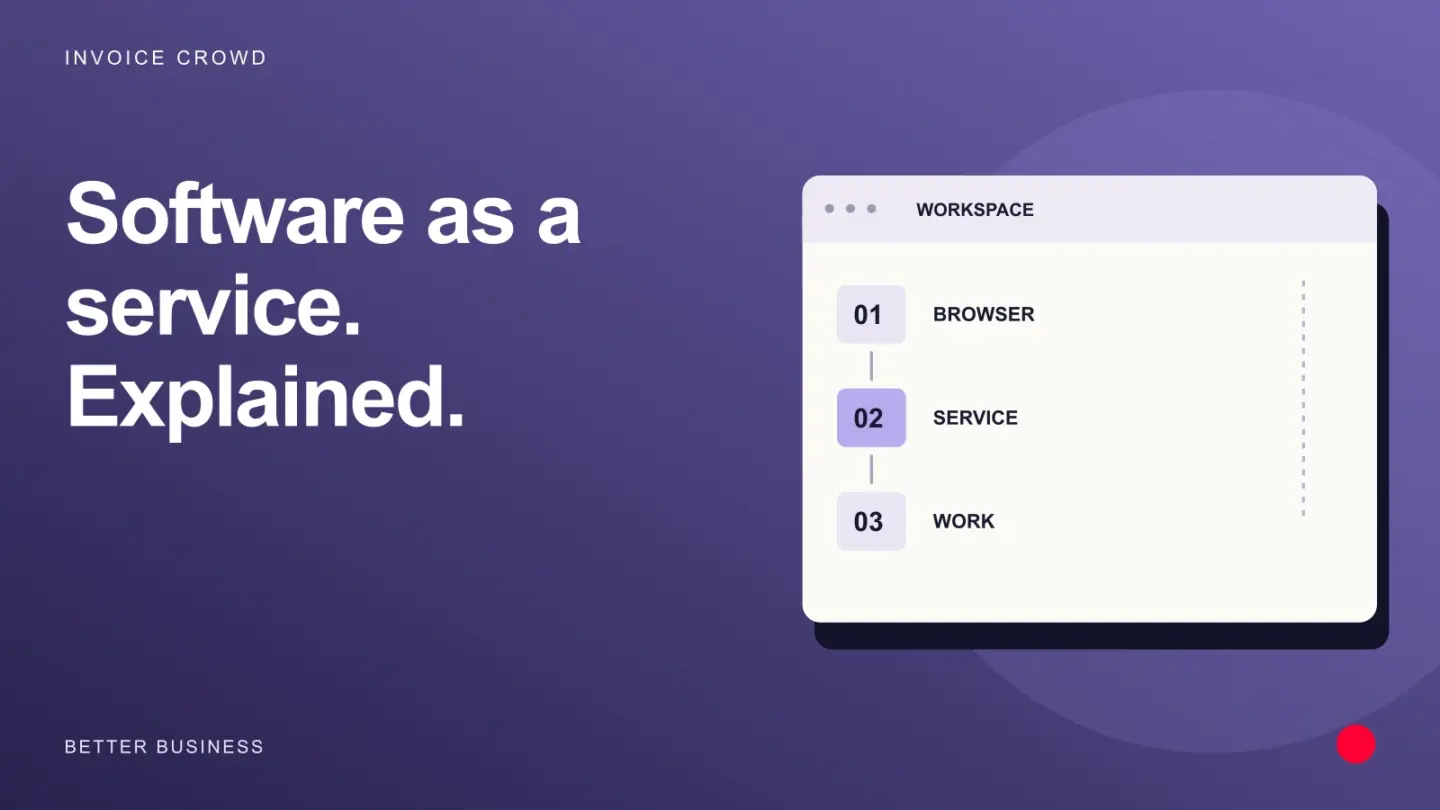
Software as a service lets a business use an application maintained by a provider, usually through a browser and subscription. Compare the access, controls, integrations and export options you need, as well as the recurring price.
Today, there are three models of cloud services:
Software-as-a-Service (SaaS),
Platform as a Service (PaaS),
Infrastructure as a Service (IaaS).
Each of these models has its advantages as well as its variants. Therefore, it is of utmost importance to understand the differences between SaaS, PaaS and IaaS in order to select one of the models as the best one to use in any business.
Common examples include SaaS, PaaS and IaaS:
SaaS – Google Apps, Dropbox, Salesforce, Cisco WebEx, Concur, GoToMeeting, Invoice Crowd
PaaS – AWS Elastic Beanstalk, Windows Azure, Heroku, Force.com, Google App Engine, Apache Stratos, OpenShift
IaaS – DigitalOcean, Linode, Rackspace, Amazon Web Services (AWS), Cisco Metapod, Microsoft Azure, Google Compute Engine (GCE)
SaaS – Software as a Service
SaaS, or Software as a Service, is also known as Cloud Application Service and is the most common option for cloud businesses.
Internet software as a service, also called SaaS, uses the Internet in order to serve users applications controlled by external providers. Most SaaS applications run directly in an internet browser (Chrome, Firefox, etc.). This means that SaaS applications do not need to be downloaded or installed at the client end, making them extremely flexible.
With this model, IT staff no longer need to install software on each PC. SaaS providers handle the technical side of the application, including data, servers and storage, so maintenance is simple for the customer.
Advantages of SaaS
SaaS offers a number of benefits to workers and businesses by significantly reducing the resources (time and money) required for often tedious and time-consuming assignments like as managing, installing and updating software. The SaaS approach frees up enough time for IT employees to deal with much more important issues and problems in the company such as strategy, security, etc.
Because the provider manages SaaS centrally, updates to software and hardware are the provider’s responsibility.
When should you use SaaS?
SaaS can be the best option in many situations:
– Startups or small businesses needing to get started with e-commerce quickly and have no time to deal with software issues,
– Transient projects requiring easy, quick, and inexpensive application support, Applications that require both mobile and internet access.
A great example is our Invoice Crowd, which can assist you in an area of business funding.
PaaS – Platform as a Service
In cloud-based Platform as a Service (PaaS), cloud components are used mostly for applications, while they are marketed as cloud components for software. Platform-as-a-service allows developers to extend and create custom applications using a framework. An external provider can manage all servers, storage, network, and applications, and developers can manage the applications.
The SaaS delivery model is similar to PaaS, except that the software is delivered over the Internet. PaaS is a software development platform. As a result, platforms like this one enable developers to build software without worrying about operating systems, software updates, data storage, or infrastructure.
PaaS allows companies to develop and build applications integrated into PaaS with specific software components. Often referred to as middleware, these applications are modular and very affordable because they adopt certain features of the cloud.
Advantages of PaaS
-PaaS has a variety of benefits for businesses of all sizes:
-Easy, low-cost application deployment and development,
-Modular,
-Easily accessible,
-It is possible for developers to customize applications without concerns about software maintenance,
-Reduce the coding requirements significantly,
-Business policies can be automated,
-It is easy to migrate to a hybrid model.
PaaS has a number of features that make it stand out as a cloud service:
As the business changes, resources can be adjusted or increased thanks to virtualization. PaaS offers services for deploying, testing and developing applications, lets many users work on the same application, and includes databases and web service integration.
The use of PaaS is useful, sometimes even needed, in various scenarios. Multi-user projects that are managed by PaaS, for example, can enable efficient workflow. When other vendors need to be involved, PaaS can make whole process much faster and more flexible. PaaS is especially useful for creating custom applications. As well as reducing costs, this kind of cloud service simplifies some of the challenges associated with fast app development or deployment.
IaaS – Infrastructure as a Service
Infrastructure as a Service (IaaS) consists of highly modular and automated IT resources. IaaS is a complete self-service way to access and monitor computers, networks, data storage, and other services. With IaaS, businesses can buy resources on demand rather than buying hardware outright.
IaaS provides the foundation for cloud computing, including servers, networks, operating systems and storage, through virtualization. Providers typically offer these services through a dashboard or API, giving customers full control over the infrastructure. IaaS offers the same technology as a traditional data centre without the need to maintain one.
Despite the fact that IaaS customers can still access their servers and storage directly, this is all a form of outsourcing via a “virtual data center” in the cloud.
Unlike PaaS or SaaS, IaaS customers have responsibility for controlling parts such as applications, runtime, OS, middleware, and data. Still, IaaS providers manage servers, disks, networks, virtualization, and storage. Message queuing and databases are also offered by some providers outside of the virtualization layer.
Advantages of IaaS
IaaS offers a number of benefits:
1. Most flexible model of cloud computing,
2. It is easy to automate the use of storage, networks, servers and power processing,
3. Hardware can be bought on a consumption basis,
4. Infrastructure remains under the customers’ control,
5. They can buy resources on demand,
6. High modularity.
Attributes that characterize IaaS:
–
Resources are available as a service. Costs vary with use. Services scale easily. Many users share the same hardware. The organization keeps full control of its infrastructure. The model is dynamic and adaptable.
Likewise, there are various circumstances in which IaaS can be most useful, just like with SaaS and PaaS.
Startups, micro and small businesses may prefer IaaS to avoid spending their limited resources in terms of time and money on buying and maintaining hardware and software.
In larger organizations, it may be desirable to hold unlimited control over applications and infrastructure; however, they only want to buy what they really use or need.
SaaS changing the world
Software as a product has evolved into a service in recent years. This trend is known as Software as a Service (SaaS) or on-demand model. In this model, a fixed fee is charged per user, per month, or per usage for software delivered over the Internet. In contrast to traditional software licensing models like those used by Microsoft (NASDAQ: MSFT) and Oracle (NASDAQ: ORCL), there is no (or very little) upfront fee.
Business cases for customers are compelling, especially for SMEs without the infrastructure and large customer base of large enterprises.
Saving money is the first advantage.
Second, it’s fast. In comparison to traditional licensing and installation, SaaS allows software to be used in days and weeks instead of months.
Third, IT departments spend less time deploying and maintaining software. In the SaaS model, customers do not have to worry about technology, hardware, and ongoing support.
Fourth, it reduces risk. Large ERP and CRM implementations scare businesses because of their high failure rates.
Fifth, it’s good economics. Traditional models usually do not match the supply and demand for features. Often, companies buy expensive software stuffed with features they don’t need.
Companies often pay for software with many features they never use.
The SaaS vendor earns revenue over the length of the agreement instead of through an upfront license fee.