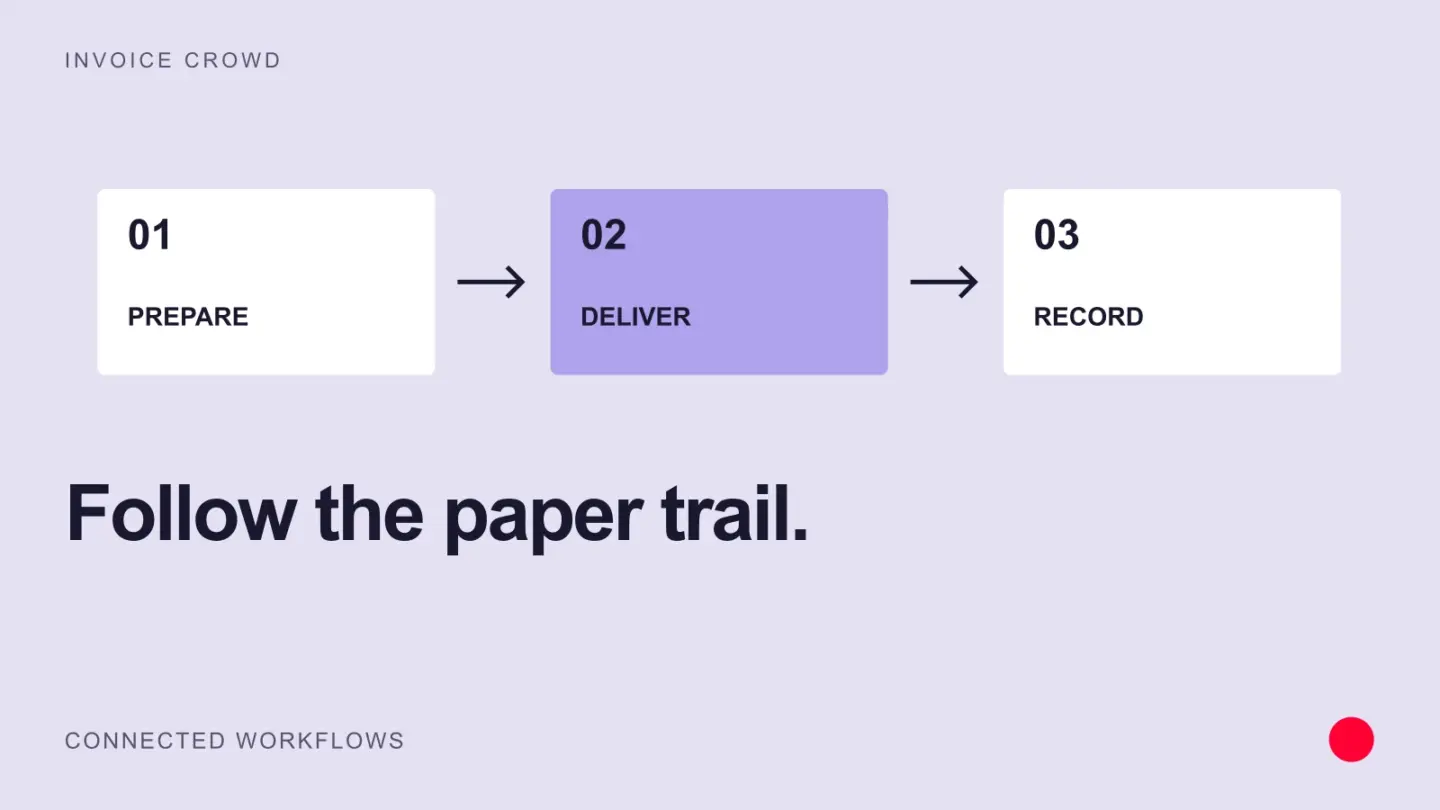
Paper invoicing means preparing, delivering, filing and reconciling physical documents. The main challenge is keeping every invoice connected to its delivery, approval and payment history as the volume grows.
Paper invoicing costs more than the time it takes and the errors it invites. This article covers the main steps in paper invoicing and its challenges.
Major Steps Involved in Paper Invoicing
Understanding the paper invoicing process step by step helps you find errors and opportunities. Steps vary by company, and these are the usual ones.
1. Accumulation of invoices
The supplier creates and prints the invoices, then sends them to the buyer. The buyer receives the invoices, sorts them out accordingly, and directs them to the accounts payable department. Accounts payable manually enter the details into the system.
2. Quality of the invoice
All invoices have to be verified to ensure they reflect an accurate picture of what was received and what is due for payment. Accounts payable staff scan for errors like missing Purchase Order numbers or incorrect account numbers. The tax figure for the invoice is also checked.
3. Invoice approvals
After the quality checks are done, the invoices must get the approval of higher management. Accounts payable forwards the invoices to the appropriate persons for approval. Any discrepancies in the invoices require the buyer to communicate with the supplier and sort it out pending authorization.
4. Invoice accounting
Account payable records expenses in a general ledger where they are stored and filed into different categories. This is done systematically and takes a logical sequence that eases future retrieval when necessary.
5. Invoice payments
When all approvals are obtained, the accounts payable releases the payment. Either through paper checks or Automated Clearing House payments.
Main challenges facing paper invoicing
Reading through the steps and procedures mentioned above, you can already point out several challenges associated with paper-based invoicing or manual invoicing.
1. Error-prone
Invoices can be redirected to multiple channels such as courier, e-mail, mail, fax, etc. Multiple channels create confusion when invoices are keyed into the system. Manual entries are prone to human error or omission, commission, double-entry, and original entry.
2. Labour intensive
Lots of time is wasted manually checking and verifying those invoices. Accounts payable must run through all the numbers and contact details – a time-consuming process. Any discrepancy unearthed has to be verified with a supervisor.
3. Monitoring process
Invoices accumulated over time need careful filing. Any disorganization in their storage can misplace vital information. This creates a sheer amount of due diligence work on the accounts payable including answering supplier queries on their payment status.
4. Time-taken for invoice approvals
This takes time as there are delays when invoices are sent out. The accounts payable have to chase down the physical copies printed and mailed. An automated invoicing system such as Invoice Crowd reduces that effort.
5. Missing details
Some invoices lack purchase order numbers, creating a dilemma for the accounts payables department. This happens when the supplier sends out goods to the buyer and has yet to receive a purchase order. The remedy is to identify the original authorizer and the purchaser. This lengthens the whole invoice process, a situation easily avoided with automation.
6. Duplicates
Duplicates are a major challenge for companies dealing with paper invoices. The main causes are fraud or human error from the supplier side. The more the errors, the more costly it is to a business, not to mention the time wasted reconciling and rectifying the mistake.
7. Incorrect data
Missing data on paper invoices is hard to spot when staff are overwhelmed by a pile-up. Invoice management systems make that data available at the start of the process.