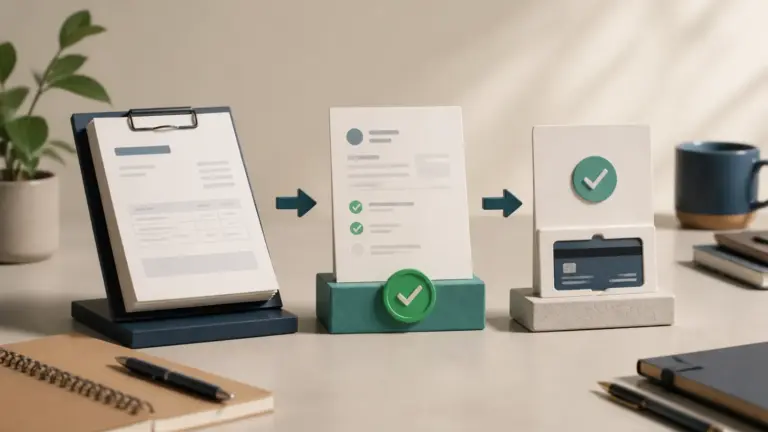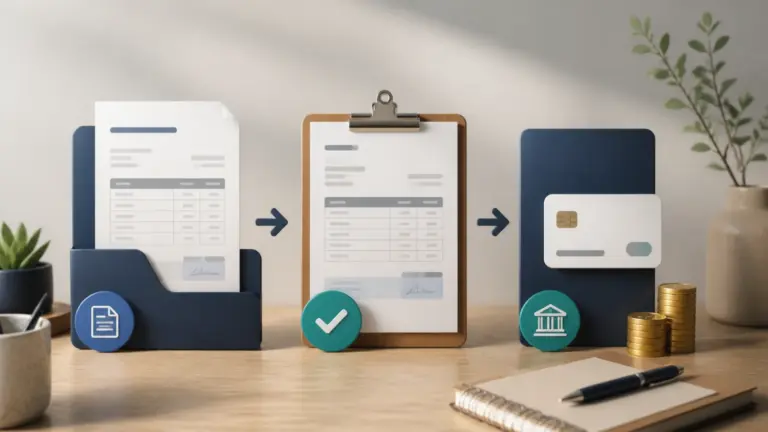
Accounts receivable reconciliation proves that the customer subledger, open invoice list, payments, credits and general-ledger control account agree.
Reconcile totals first, then trace each discrepancy to timing, posting, foreign exchange, duplicate records or an unsupported adjustment.
Accounts receivable reconciliation checklist
- Agree the customer subsidiary ledger total to the accounts receivable control account in the general ledger.
- Confirm the opening balance to the prior signed reconciliation.
- Trace invoices, credit notes, write-offs, and adjustments to approved source records.
- Match payments to the bank statement, processor settlement, and correct customer invoice.
- Review unapplied cash, negative balances, old credits, duplicates, and foreign-currency differences.
- Explain every discrepancy, post only authorized corrections, and retain reviewer sign-off.
Reconcile accounts at month-end before reporting or collection decisions. A balance that agrees only because an unexplained journal entry was posted is not reconciled. The reconciliation process should show source, preparer, reviewer, date, difference, action, and evidence.
Separate timing differences from posting errors
Run the customer ledger and control account to the same cutoff and currency basis. Identify journals posted directly to the control account, unmatched receipts and credit notes not reflected in the customer detail. Give every unresolved difference an owner. Do not clear a difference just to close the month; the reconciliation should explain the balance, including genuine exceptions.
Example
The AR aging totals $82,400 but the ledger control account is $81,900; a $500 credit note posted only to the subledger explains the difference.
What to watch for
Forcing the ledger to match with a plug entry hides the cause and weakens the audit trail.
Put the next step into practice
Read our guide to credits, refunds and debit notes for the related workflow. Explore Invoice Crowd customer invoicing to see the product capabilities relevant to your setup.