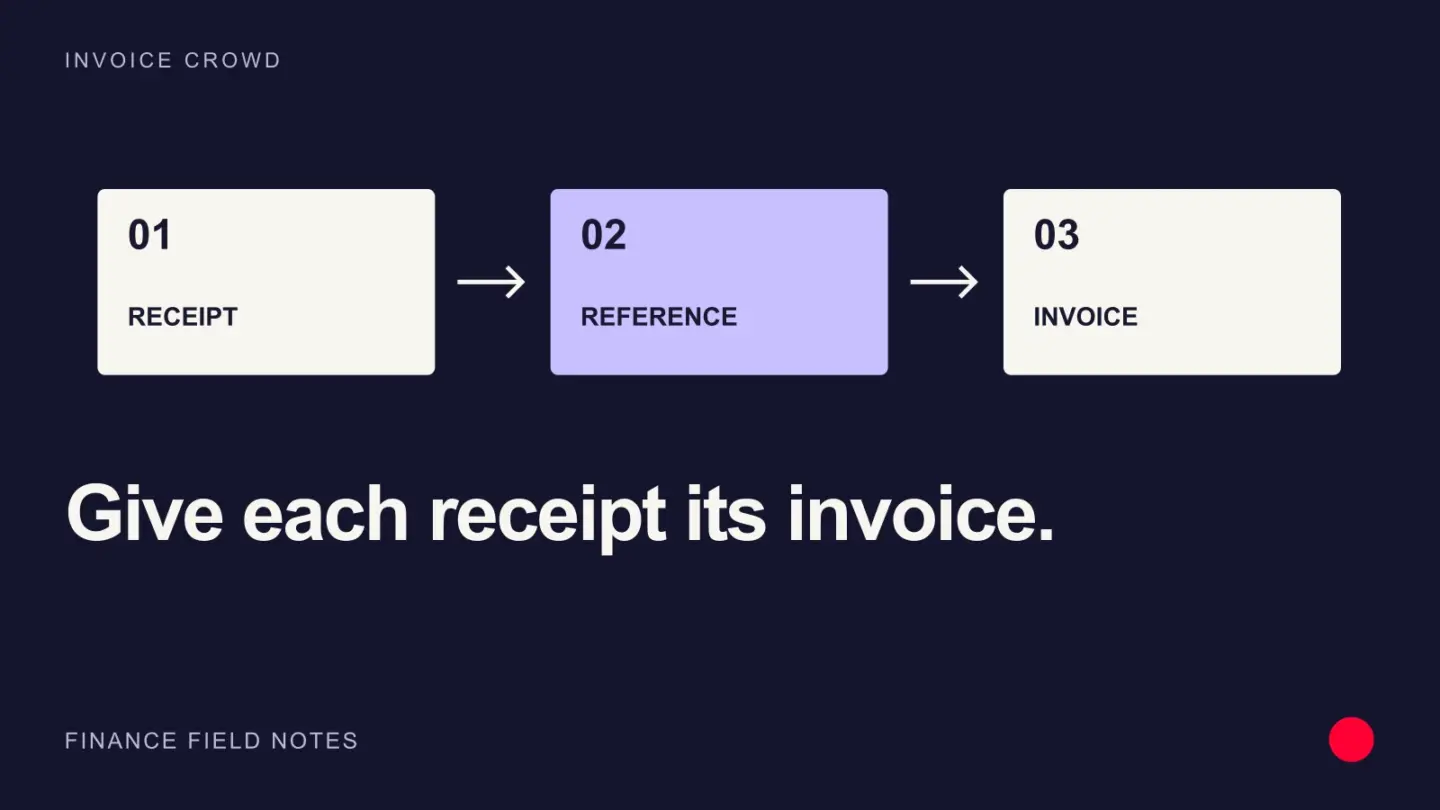
Cash application is the process of matching incoming money and remittance information to the correct customer, invoice, credit and ledger entry.
Use invoice numbers, payer identity, amount, currency and bank or gateway references, then send uncertain matches to an exception queue.
Cash application process from bank to invoice
- Import payments received from bank accounts, card processors, wallets, and other channels.
- Normalize payer, date, amount, currency, reference, fees, and settlement data.
- Use remittance advice and invoice references to match payments to invoices.
- Apply exact matches and route short, over, duplicate, foreign-currency, or unknown receipts to review.
- Post the customer payment and allocation, then reconcile the batch to the bank and general ledger.
Manual cash application often fails when the payer name differs from the customer or one transfer covers several invoices. Automation can propose matching payments, but an uncertain match should remain unapplied. ERP or invoicing records must preserve the source reference and person who resolved the exception.
Match the gross payment before considering fees
One bank deposit may combine many customer payments after fees, refunds and reserves. Start from the processor settlement detail or remittance advice, then connect each component to the right record. Keep the net deposit as the bank-side total. Treating the deposit as one customer payment can understate collections and leave invoices incorrectly outstanding.
Example
A $3,000 bank transfer referencing IC-1048 is applied to that invoice, while a $2,950 transfer with no reference remains unapplied until the fee or short payment is explained.
What to watch for
Guessing a match can close the wrong invoice and trigger collection against a customer who already paid.
Put the next step into practice
Read our guide to credits, refunds and debit notes for the related workflow. Explore Invoice Crowd customer invoicing to see the product capabilities relevant to your setup.