Northline Events is a three-person event planning firm. In March it signed a 180-guest product launch for a software company: a $12,000 planning fee, plus catering, AV and decor that Northline books and pays for on the client’s behalf. By June the guest list had grown by 20, the AV crew had worked an extra hour, and the owner was paying vendors weeks before the client paid her.
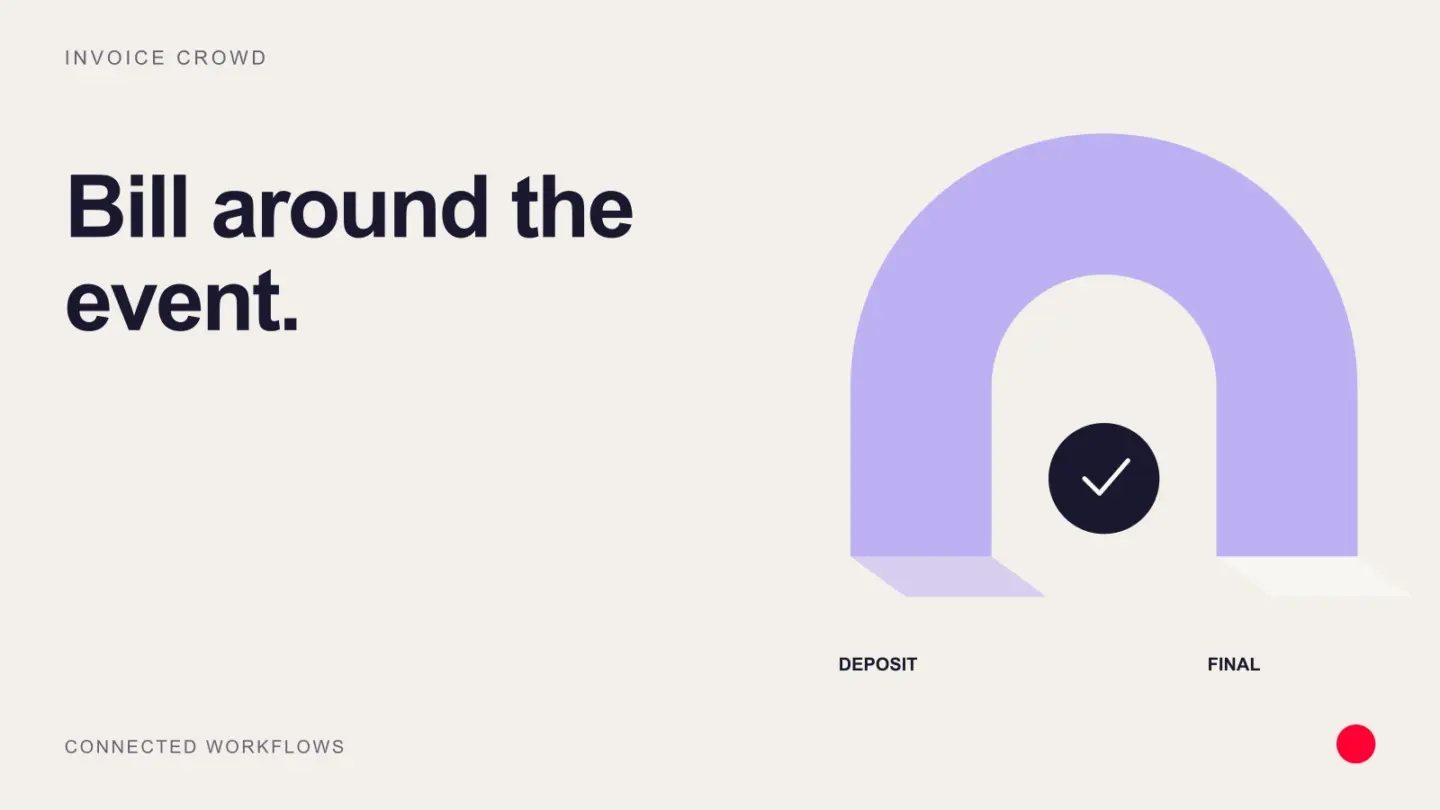
Event planners need invoice software that turns one signed scope into a schedule: a deposit invoice at signing, vendor costs billed as they fall due, approved changes added in writing and a final invoice after the event. The right tool sends reminders before each invoice due date, lets clients pay online and keeps your fee apart from pass-through costs.
Start with the deposit invoicing guide to decide what the client pays upfront and what the final bill should show.
The invoicing feature checklist for event planners
Most invoice software for small businesses is built for one service and one price. Event billing has three moving parts: your planning fee, money you spend on vendors, and changes that arrive after the contract is signed. Test every product on these five points before moving a live event.
| Feature | Why it matters for events | Test during the free trial |
|---|---|---|
| Deposits and payment schedules | Venues and caterers want deposits months before the event. | Split one fee into a deposit and two dated payments. |
| Estimates that become invoices | The client approves a scope, then pays against it. | Convert an approved estimate without retyping a line. |
| Vendor costs and rebilling | You pay suppliers first and recover the money later. | Record a catering bill and rebill it on the next invoice. |
| Payment reminders | Late client payments become your cash problem. | Schedule reminders before and after a due date. |
| Accept online payments | Corporate clients pay by card or bank transfer. | Pay a test invoice from a phone. |
Worked example: billing a 180-guest product launch
Northline signs on March 1, 2027 for an event on June 10, 2027. The client contracts and pays the venue directly, so the $8,500 venue fee never touches Northline’s books. Catering ($80 a head, $14,400), AV ($6,200) and decor ($3,100) are booked by Northline and rebilled at cost. The planning fee is paid 50%, 25% and 25%.
| Invoice | Due date | Planning fee | Vendor costs | Invoice total |
|---|---|---|---|---|
| 1. Deposit invoice | Mar 1, at signing | $6,000 | $4,320 catering deposit, $3,100 AV deposit | $13,420 |
| 2. Pre-event invoice | May 11, 30 days out | $3,000 | $10,080 catering balance, $3,100 AV balance, $3,100 decor | $19,280 |
| 3. Final invoice | Jun 17, net 7 | $3,000 | $1,600 for 20 added guests, $450 AV overtime | $5,050 |
| Total | $12,000 | $25,750 | $37,750 |
The schedule follows the vendors. Each invoice falls due before Northline has to pay the matching supplier, so the firm never finances the client’s event from its own bank account. By the event date the client has paid $32,700, or 87% of the final total.
Keep your fee apart from pass-through costs
Show the planning fee and each vendor cost on separate lines, with the supplier’s invoice attached or referenced. If you add a markup or an admin fee, put it in the contract and on its own line. Ask your accountant whether rebilled costs count as income or as reimbursements; our guide to billing subcontractor costs to a client covers the wording.
Bill last-minute changes in writing
The client approved the 20 extra guests by email on June 1, at the caterer’s final-count deadline. Northline logged the change that day at $1,600, so it reached the final invoice instead of being forgotten. A simple rule works: any change above $1,000 gets its own invoice within two days, and smaller changes ride on the final one.
Get paid on schedule with online invoice software
Deposits protect the date, and reminders protect the rest. Schedule a reminder seven days before each due date and another three days after it, and read the email your client will receive. Our late payment reminder email sequence has wording you can adapt.
Offer more than one way to pay. Corporate clients often settle a $19,280 invoice by bank transfer, while a private client may prefer a card. At a 3% card fee, that one invoice costs $578.40 to collect, so decide whether you absorb processing fees, pass them on where the law allows, or steer large payments to an online bank transfer. Tools that accept payments online also match each payment to its invoice, so nobody updates a sheet. Staged billing for bigger events is covered in our article on milestone-based billing.
Choosing invoicing software for your small business
There is no best overall invoicing software for every event business. A solo planner running eight parties a year and a firm with forty corporate events have different invoicing needs. Most software options fall into three groups.
Best free invoice software: Zoho Invoice and Invoice Ninja
Zoho’s features page says the product is completely free. It includes recurring invoices and payment reminders, and Zoho Invoice lets clients pay and accept quotes in a customer portal. Invoice Ninja’s forever-free plan covers up to 5 clients with unlimited invoices. Free billing software suits freelancers with a light event calendar; test how each free plan handles a deposit and installments.
An invoice app tied to payments
Square Invoices lets you request a deposit and set a payment schedule on one invoice, and suits planners who get paid online or in person. If you invoice from venues, check whether a mobile app comes with the plan.
Invoicing and accounting software: QuickBooks Online
All-in-one invoicing and accounting keeps every invoice inside the books. Use QuickBooks or a similar ledger when your accountant already works there, or when you pay many vendors each month.
Our invoicing software scorecard turns these criteria into a weighted score.
Can freelancers and small businesses bill events from Excel or an invoice generator?
For a few events a year, yes. A free invoice generator makes a tidy PDF, and Excel handles billing with invoice templates, a formula for totals and a tab for payments. The gaps appear once an event has three invoices and four vendors. A spreadsheet cannot send invoices, chase them or record which one the client paid, so someone updates it by hand after every payment.
The usual cost is a missed line, such as AV overtime nobody billed. Before you switch, read when to replace invoicing spreadsheets with software.
Send your first invoice from new billing software
- List open events. Record what each client has paid, what is still due and which vendor deposits you have paid.
- Customize your invoice once. Set your logo, deposit percentage, payment terms and reminder timing, then reuse them for every event.
- Connect payments. Add a card processor and a bank payment option, then send yourself a test invoice.
- Agree the accounting handoff. Decide with your accountant how deposits, rebilled costs and fees are recorded.
How Invoice Crowd handles event billing
In Invoice Crowd, a proposal can offer packages and optional add-ons, so the client picks a package and extras before anything is invoiced. On an estimate the client can change quantities or remove items, then accept and pay a deposit in one step, which converts the estimate into an invoice. On any invoice you can request a deposit as a percentage or a flat amount, and the client sees a payment schedule with each installment’s due date.
Scheduled reminders go out before, on or after the due date, up to five per invoice, and clients can pay through gateways such as PayPal, Stripe, Square and Authorize.net. On paid plans you can record supplier invoices as bills and log what each invoice line cost you, so the margin on every event stays visible.
Frequently asked questions
What is the best software to create invoices for an event business?
The best invoice software for an event business handles deposits, payment schedules and rebilled vendor costs, sends reminders and accepts payments online. Free tools such as Zoho Invoice suit a small volume, and QuickBooks Online suits planners who keep their books there. Test each one with a real event before you switch.
What do small businesses use for invoices?
Many small business owners start with a Word or Excel template, then move to online invoice software once they send more than a handful of invoices a month. Small business invoicing software adds numbering, online payment, reminders and a record of what each client has paid, which a template cannot keep on its own.
Is there a free app to make invoices?
Yes. Zoho Invoice is free and lists mobile apps for iOS and Android, and other providers offer a free plan with a client limit. Payment processing is charged separately by the provider you connect. Check whether the free version handles deposits and installments before you rely on it for events.
How do small businesses keep track of invoices?
Invoice tracking works best in one system that shows each invoice’s status: sent, viewed, partly paid, paid or overdue. For events, add a list of every installment due in the next 90 days and every vendor payment you owe, so you can see cash coming in against cash going out.
See how Invoice Crowd invoicing and online payments fit your event workflow.