By 9 a.m. on Tuesday, Copperline Supply, a packaging wholesaler, has five new receipts in its bank account totaling $15,282.75 against 40 open invoices. Collections sends payment reminders at noon. Before then, the bookkeeper (at a larger company, a cash application specialist) has to decide which invoices those five payments settle.
Cash application is the process of matching incoming payments and remittance information to the correct customer, invoice, credit and ledger entry. A typical cash application process captures each payment, gathers its remittance advice, matches it to open invoices, posts it to accounts receivable and sends anything uncertain to an exception queue.
The importance of the cash application process in accounts receivable
A payment that sits in the bank without being applied leaves your financial records wrong in both directions. The customer who paid still looks overdue, so collections chases them. Your aging report overstates what is owed, days sales outstanding rises, and cash forecasting counts money you already have. For a business-to-business seller, receivables are often the largest part of working capital.
Accurate cash application keeps four things honest:
- Customer relationships. No reminder goes to a customer who has already paid.
- Credit decisions. A customer near their credit limit is judged on their real balance.
- Cash flow management. Faster cash application does not by itself improve cash flow, but it shows exactly where cash is stuck.
- The month-end close. Receivables, cash and the bank statement agree without a scramble.
Cash application is one step in the wider accounts receivable process, between receiving money and reporting on it. It is also different from payment reconciliation, which later proves that what you applied agrees with processor and bank records.
The steps of the cash application process
1. Capture payments from every source
Payments arrive from multiple sources: bank transfers, ACH, wires, checks deposited through a bank lockbox, card processor payouts and digital wallets. On the day each customer payment is received, add it to one list with its payment details: date, amount, currency, payer name and bank reference.
2. Collect the remittance information
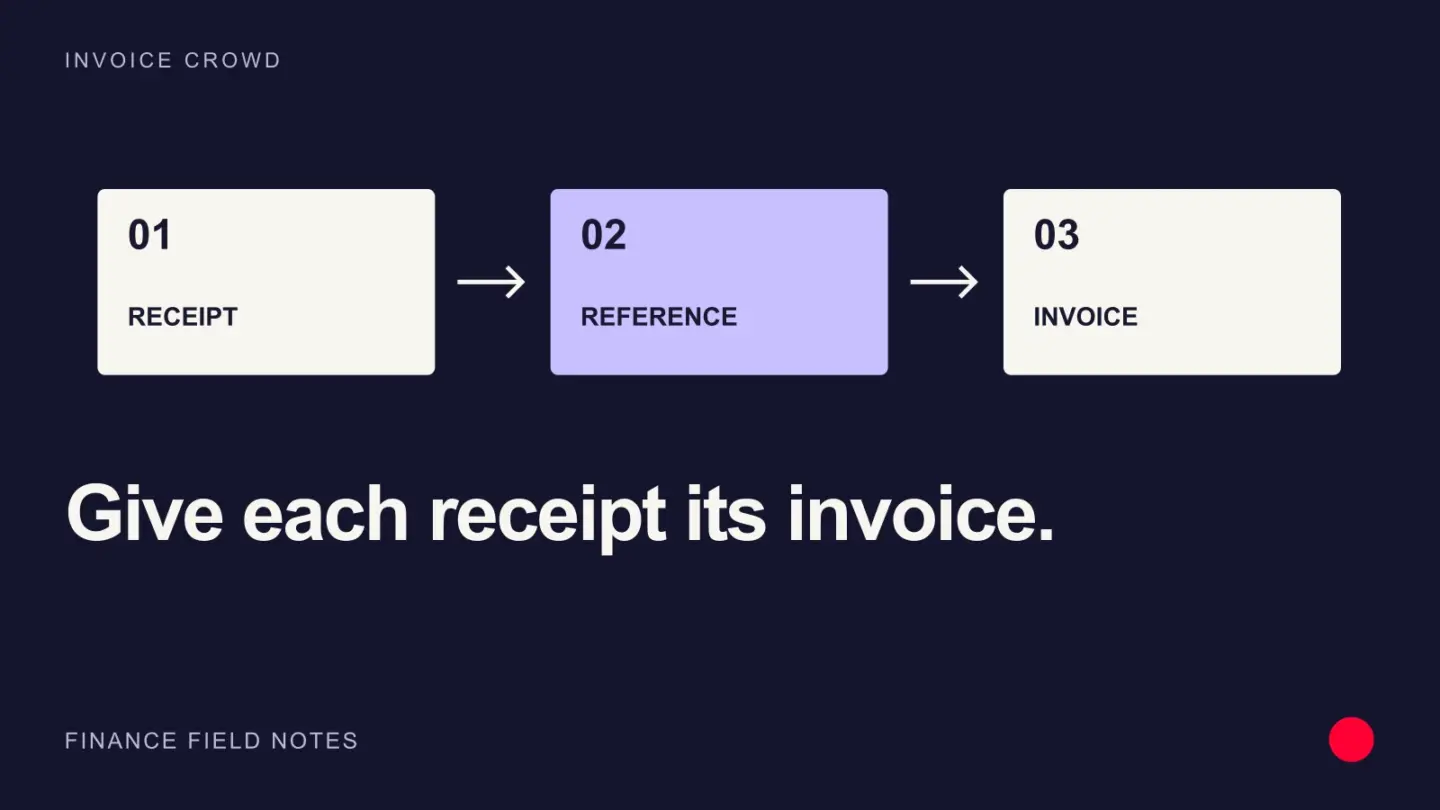
Remittance tells you what a payment is for. This payment information arrives in every format: the bank reference field, an email, a PDF, a supplier portal download, or an electronic data interchange (EDI) 820 file from larger customers. Link each remittance to its payment before you try to match anything.
3. Match each payment to the corresponding invoice
Invoice matching works from the strongest evidence down. An invoice number with an exact amount points to the correct invoice. A customer account with an amount equal to one open invoice is close behind. A lump sum that equals no single invoice needs the remittance, or a search through combinations of that customer’s outstanding invoices. Matching payments on a name alone is never safe.
4. Resolve exceptions
Short payments, overpayments, deductions, duplicates and payments from unknown payers all go to an exception queue with an owner. Apply what you can prove and leave the rest visible. A payment you cannot place becomes unapplied cash, never a guess.
5. Cash posting to the ERP or accounting system
Cash posting records the result: debit cash, credit accounts receivable, with each allocation tied to its invoice. When you post cash to the ERP system or invoicing tool, keep the source reference and the name of whoever resolved each exception.
6. Reconciliation: tie the day to the bank
Total what you applied, what you held as unapplied and any fees, to ensure it equals the day’s deposits. If it does not, something was keyed twice or missed.
Worked example: matching five payments to invoices
Here is how the cash application process resolves Copperline’s five receipts.
| Receipt | Amount received | Match evidence | Result |
|---|---|---|---|
| ACH from Halvorsen Foods | $3,000.00 | Reference “INV-2318”, exact amount | Applied, invoice closed |
| Wire from Delmar Bakeries | $2,950.00 | Reference “INV-2322”, invoice is $3,000 | $2,950 applied, $50 short payment queried |
| Check from Brookfield Market | $7,480.00 | Remittance stub lists INV-2290, 2301 and 2309 | Split $2,480, $3,200 and $1,800, all closed |
| Card processor payout | $1,212.75 | Payout report: $1,250 paid on INV-2327, $37.25 fee | $1,250 applied, fee to expense |
| Transfer from “R. Okafor” | $640.00 | No reference, no matching customer | Held as unapplied cash |
The day ties out. Applied to invoices: $14,680. Less the processing fee: $37.25. Plus unapplied cash: $640. That totals $15,282.75, the exact amount in the bank.
Two receipts deserve a second look. Delmar’s $50 turns out to be a deduction for a late delivery, which needs a credit note if Copperline agrees and a reminder if it does not; see our guide to credits, refunds and debit notes. The card payout shows why you match the gross payment: applying $1,212.75 to INV-2327 would leave $37.25 falsely outstanding and trigger a reminder at noon.
Where cash applications go wrong
- Missing or thin remittance. “March invoices” or nothing at all.
- Payer name mismatches. A parent company, an accounts payable service or a personal card pays on the customer’s behalf.
- Lump sums. One payment covering many invoices, sometimes net of credits.
- Deductions. Discounts taken late, freight disputes, damaged goods.
- Human error. Manual keying from PDFs and emails into the accounting system.
Each of these turns a five-second match into a ten-minute investigation, which is where manual effort piles up.
Manual matching vs cash application automation
Manual cash application works at low volume. A bookkeeper with a bank statement, an Excel export of open invoices and the remittance emails can apply a few dozen payments a day accurately. The manual cash application process breaks down when volume grows, remittance comes in many formats, or the same person also runs collections.
Cash application automation takes over the routine matches to reduce manual keying. Typical cash application tools import bank and lockbox files, read remittance from emails and PDFs, match payments to invoices using invoice numbers, amounts and customer history, and post the confident matches to the ERP. Some use artificial intelligence, usually machine learning, to improve suggestions as people correct them. The rest land in an exception queue.
When to automate cash application
Automate once exceptions, not routine matching, are the only work worth a person’s attention.
How to choose cash application software
- Imports from every payment channel you use, including processor payouts.
- Handles one payment across several invoices and several payments against one invoice.
- Keeps uncertain matches unapplied until a person approves them.
- Records who matched what, and why, for the audit trail.
Judge any tool by what it does with the payments it cannot match. Automation that forces a guess to clear the queue just moves the error downstream.
Best practices for cash application
Most ways to optimize the cash application process take effect before payments arrive.
- Apply cash on the same day it arrives. Same-day cash applications keep exceptions fresh and the aging report current.
- Make matching easy for customers. Print the invoice number and a bank transfer reference on every invoice, and offer a pay link so online payments arrive already matched.
- Record payer aliases. When a parent company or payment service pays, note it on the customer record.
- Code every deduction. A reason code for each short payment shows patterns, such as one customer always taking the early payment discount late.
- Track a few KPIs. Share of payments applied the same day, unapplied cash as a share of receipts, average days to clear an exception, and days sales outstanding.
In Invoice Crowd, a customer’s online payment is applied to the invoice that was paid. Gateway money that cannot be applied automatically waits in Payments Needing Review, and a single receipt can be recorded across several open invoices.
Frequently asked questions
What happens when a payment doesn’t match any invoice?
It is recorded as unapplied cash: in the bank, but not against any invoice. Search by amount, payer and reference, then contact the likely customer with the date, amount and bank reference. Once you know its purpose, apply it, hold it as credit or a deposit, or refund it. Be wary of an unexpected overpayment followed by a request to refund it to a different account, a common fraud pattern.
How does cash application affect DSO?
Days sales outstanding is calculated from receivable records, so every paid but unapplied invoice inflates it. A business that applies cash a week late reports a DSO roughly a week worse than its customers’ real payment behavior. When cash is applied the same day, DSO becomes a number you can act on.
How do you explain cash application in an interview?
Describe it as matching each incoming payment to the invoices it pays, using remittance advice, invoice numbers and amounts, then posting it to accounts receivable. Add how you handle exceptions such as short payments, deductions and unidentified receipts, and how you reconcile the day’s postings to the bank deposit. If you can, give the volume of daily cash applications you handled.
How can I encourage customers to send clearer remittance advice?
Ask for it in your payment terms and on every invoice, with the exact reference to quote. Offer a pay link so the payment carries the invoice automatically. For large customers who pay in lump sums, ask their payables team once for remittance emails or portal access.
To see how invoices and payments connect from the start, explore Invoice Crowd customer invoicing.