Alder & Pine, a furniture studio, collected $10,000 in card payments on invoices in the first week of May. On May 9 a single deposit of $9,650 reaches its bank account. Every invoice says paid, the bank is $350 short, and nobody can yet say whether that gap is fees, a refund or a mistake.
Payment reconciliation is the process of checking that customer payments agree with your invoice records, payment processor reports, bank deposits and accounting entries. It explains differences such as fees, refunds and settlement delays, so a matching bank total cannot hide an incorrectly recorded transaction.
The rule is simple: reconcile the customer’s gross payment first. Then explain how it became the net amount deposited in your bank.
How does payment reconciliation work?
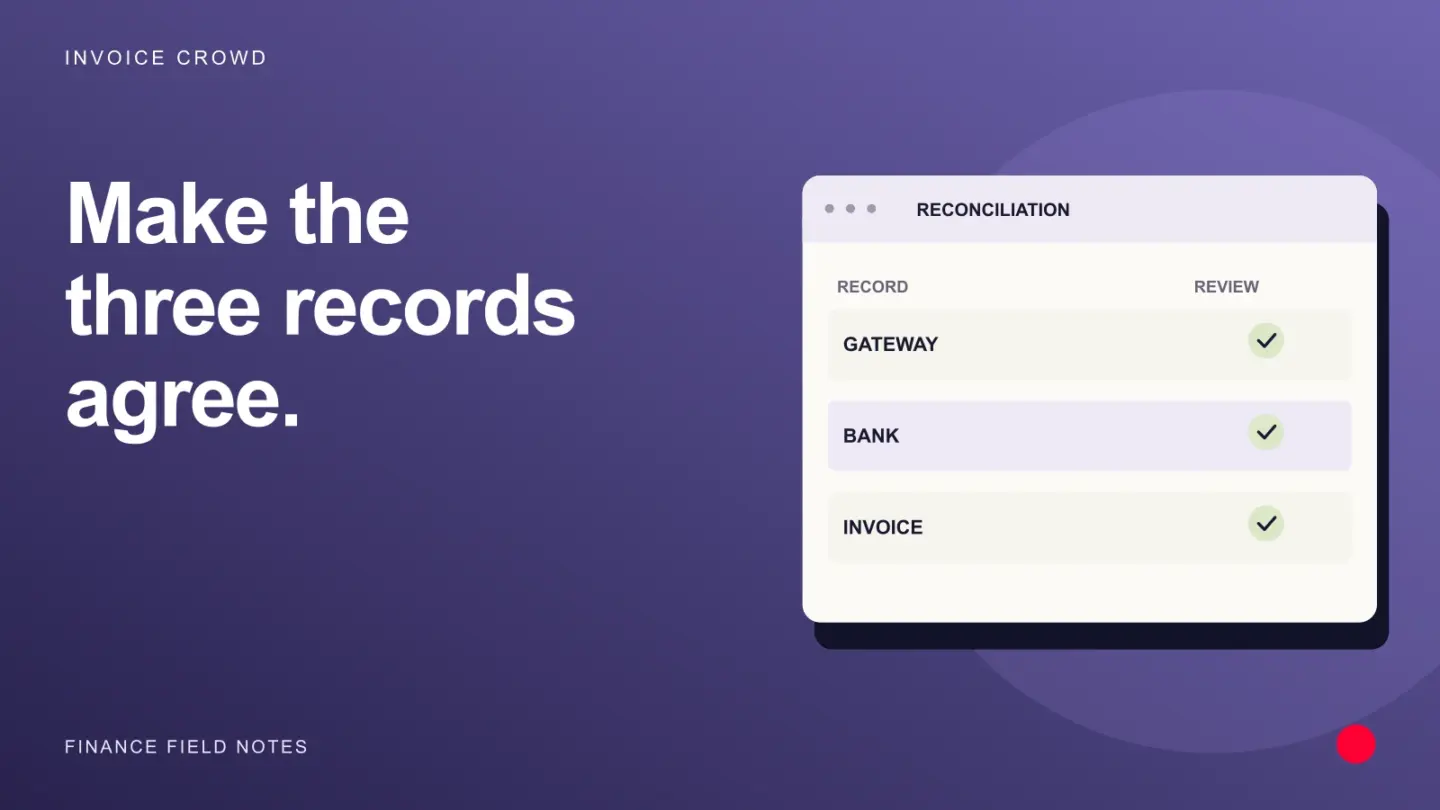
It is a process of matching three sets of payment records. For an online invoice payment, follow the money through each stage:
- Customer payment: which invoice did the customer pay, for how much and in which currency?
- Processor activity: what payment, fee, refund, dispute or adjustment did the payment gateway record?
- Bank settlement: which payout included those transactions, and when did the deposit land?
Your financial records should explain each stage without counting the same money twice. An invoice marked paid does not mean the money has reached your bank. Invoice Crowd records online payments against invoices, while funds arrive on your payment processor’s payout schedule (see payment settlement times).
Payment reconciliation vs bank reconciliation
Payment reconciliation asks whether each customer transaction agrees across the invoice, processor, settlement, bank and ledger. Bank reconciliation compares your recorded cash movements with the bank statement. A deposit can match the bank total while one payment sits on the wrong customer, which is why the transaction-level check matters.
Why payment reconciliation matters for businesses
Skipped reconciliation rarely fails loudly. Revenue looks right, the bank looks right, and the errors sit in between: a refund booked twice, a fee never expensed, a customer chased for an invoice they paid. Regular reconciliation helps you catch them while they are a week old instead of a year old. It keeps cash flow forecasts honest, gives your accountant financial statements they can sign off, and leaves an audit trail a lender or tax authority can follow.
Types of payment reconciliation
Most businesses run several of these, each on its own schedule.
| Type | What it compares |
|---|---|
| Bank reconciliation | Ledger cash entries against the bank statement |
| Credit card reconciliation | Card sales, fees, refunds and chargebacks against processor payouts |
| Digital wallet reconciliation | PayPal and other wallet balances against payouts and invoices |
| Accounts receivable reconciliation | The customer ledger against the receivables control account (see AR reconciliation) |
| Accounts payable reconciliation | Vendor statements against your recorded bills and payments |
| Cash reconciliation | Counted cash in a till or safe against recorded cash sales |
| Intercompany reconciliation | Balances that related companies owe each other |
| Payroll reconciliation | Payroll registers against bank debits and tax payments |
The payment reconciliation process, step by step
1. Define the period, account and currency
Choose the period and keep each bank account and settlement currency separate. Check each report’s time zone and cutoff. A payment made late on the last day may settle next month; carry it forward with a reason, not as an error.
2. Gather the supporting records
Bring together invoices and their payment histories, itemized processor and payout reports, bank statements, refund and dispute records, and the relevant ledger entries. Keep transaction IDs, invoice references and payout IDs. Amount and date alone cannot tell two identical payments apart.
PayPal’s statements, for example, show gross, fee and net amounts per transaction, though pending activity may be left out.
3. Match each payment to the correct invoice
Confirm the customer, currency, reference and amount before applying a receipt. One receipt may cover several invoices, one invoice may be paid in installments, an overpayment may stay as customer credit, and money received before an invoice exists is an advance. Record the actual payment allocation, never a guess based on a name beside a deposit. For deposits and installments, see Invoice Crowd’s split and partial payments.
4. Explain the processor’s net settlement
Use the payout report to connect customer transactions with fees, refunds, chargebacks, reserves and other adjustments. Processors combine many transactions into one payout, so one deposit rarely equals one invoice. Stripe’s payout reconciliation report matches automatic payouts to their underlying activity. Manual and instant payouts use different reports.
5. Match the payout to the bank deposit
Compare the payout amount, currency and reference with the bank statement. If a deposit is missing, check payout status before recording anything twice; arrival and posting dates can differ. Any remaining gap needs evidence, not an assumption.
6. Resolve exceptions and keep the evidence
For each unmatched item, log the reference, amount, currency, what differs, the likely reason, the owner and the resolution. Correct an entry only once you know what happened. Intuit’s troubleshooting guidance suggests checking balances, dates, missing or duplicate transactions and combined deposits before making any adjustment.
Payment reconciliation example: a $9,650 deposit
The payout report explains the May 9 deposit.
| Item | Amount |
|---|---|
| Customer payments on 14 invoices | $10,000 |
| Processing fees | ($250) |
| Refund of an April order, deducted from the payout | ($100) |
| Net bank deposit | $9,650 |
These are illustrative amounts, not any provider’s quoted fees. The reconciliation must show that the $10,000 belongs to the right invoices, the $250 agrees with the fee records, the $100 refund traces to its original sale, and the bank shows $9,650 under the matching payout reference.
A processor clearing account keeps the books honest. Payments go in at gross, and the payout empties it:
| Entry | Debit | Credit |
|---|---|---|
| Invoice payments: processor clearing / accounts receivable | $10,000 | $10,000 |
| Refund with a credit note: sales returns / processor clearing | $100 | $100 |
| Payout: bank $9,650 and processing fees $250 / processor clearing | $9,900 | $9,900 |
The clearing account ends at zero ($10,000 less $100 less $9,900). Customers paid $10,000, so receivables fall by $10,000, not $9,650. A reserve or currency conversion gets its own line.
Common differences and what to check
The invoice is paid, but the deposit is missing. The funds may still be with the processor or in transit. Check payout status first.
The deposit is lower than the invoice total. Look for fees and every other item in that payout. A gap is not automatically a customer underpayment.
A refund or chargeback appears later. Trace it to the original transaction and record it as a separate event. Our guide to chargebacks and refunds explains how they differ.
The same payment appears twice. Compare transaction IDs. Two equal amounts can be separate payments, so prove the duplicate before reversing it.
Amounts differ across currencies. Compare the payment currency, settlement currency, conversion rate and fees.
Manual payment reconciliation vs automated reconciliation
Manual reconciliation in a spreadsheet works at low volume if you keep references, supporting records and a review trail. Past a few dozen payments a week, the matching itself eats the time you need for exceptions. That is the main benefit of automated payment reconciliation: you automate the routine matches, and people spend their attention on what does not match.
How to choose the right payment reconciliation software
Check that the reconciliation system handles your actual workflow:
- Several receipts against one invoice, and one receipt across several invoices.
- Payouts that combine payments, fees and refunds.
- Every currency and payment method you accept.
- Traceable matches and corrections, with an audit trail.
- An exception queue a person reviews.
Good reconciliation automation makes simple matches faster and exposes uncertainty. A tool that reports “matched” while hiding an unexplained difference is worse than a spreadsheet.
Best practices for effective payment reconciliation
- Reconcile on a fixed rhythm. Daily suits a busy online business; weekly plus month-end suits lower volume.
- Put the invoice number in every payment. Payment links and clear transfer references remove most matching before it starts.
- Use a clearing account per processor. A balance left in it is a payout you have not yet explained.
- Separate duties. Where you can, the person who records payments should not be the only one who reconciles them.
- Close with evidence. Every adjustment carries a document, a reason and an approver.
How Invoice Crowd supports the workflow
Payments Received brings invoice payments, advances and overpayment credits into one list, with the customer, invoices, method, amount and unused balance. A receipt can be allocated across several open invoices, and gateway payments that cannot be applied automatically wait for review.
For the bank side, Invoice Crowd’s Bank Reconciliation imports statements and can match one statement line to several recorded entries, so a $9,650 payout can be tied to the payments and fees it covers. You can also record a processor payout as a transfer with the fee withheld. You review the matches, and the reconciliation closes when its difference is zero.
If you are deciding how to request payment in the first place, read our guide to payment links and invoices.
Frequently asked questions
Does a paid invoice mean the money is in the bank?
Not necessarily. A processor confirms the customer’s payment first and pays out to your bank later, often in a batch with other payments. Check both the payment status and the payout or bank record before treating the cash as available.
Can payment reconciliation be done without software?
Yes. A spreadsheet and the supporting statements are enough at low volume, provided you keep complete records, reliable references, consistent checks and documented exceptions. Software earns its place once matching takes longer than investigating.
Can payment reconciliation detect fraud or duplicate payments?
It is one of the best controls for both. Matching every transaction to an invoice and a payout exposes duplicate charges, refunds with no original sale and deposits that belong to no customer. It works only if exceptions are investigated rather than adjusted away.
How long does payment reconciliation take?
It depends on volume and how clean your references are. A small business reconciling weekly with invoice numbers on every payment may need under an hour. Leave it to month-end with vague references and the same work can take days, because each exception is older and harder to trace.