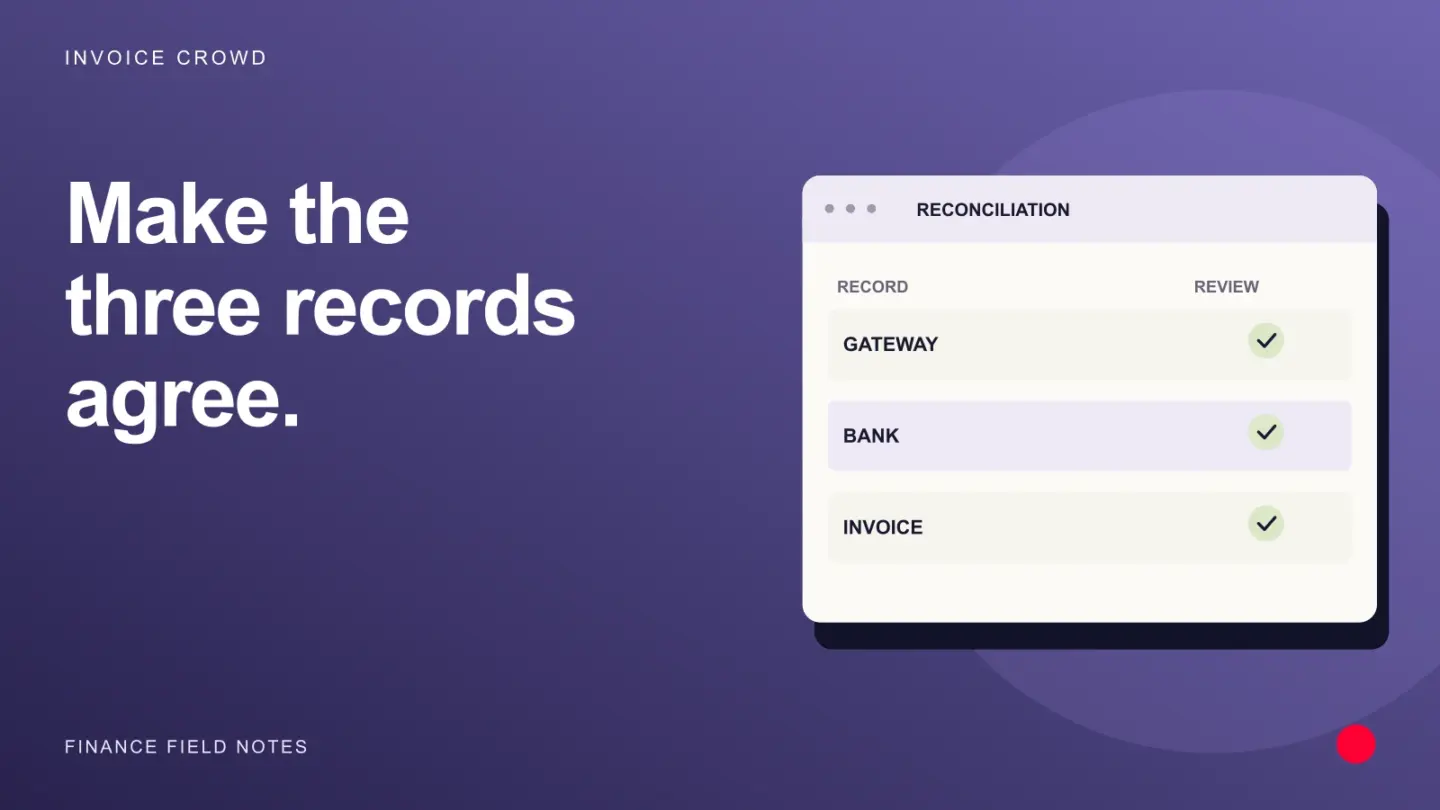
Payment reconciliation is the process of checking that customer payments agree with your invoice records, payment processor reports, bank deposits and accounting entries. It explains differences such as fees, refunds and settlement delays, so a matching bank total cannot hide an incorrectly recorded transaction.
The rule is simple: reconcile the customer’s gross payment first. Then explain how it became the net amount deposited in your bank.
What records should payment reconciliation compare?
For an online invoice payment, follow the money through three stages:
- Customer payment: Which invoice did the customer pay, for how much and in which currency?
- Processor activity: What payment, fee, refund, dispute or adjustment did the gateway record?
- Bank settlement: Which payout included those transactions, and when did the deposit reach your account?
Your accounting records should explain each stage without counting the same money twice.
An invoice marked paid does not necessarily mean the money has reached your bank. For example, Invoice Crowd records online payments against invoices, while funds reach your bank according to your payment processor’s payout schedule.
Payment reconciliation vs bank reconciliation
These checks overlap, but answer different questions:
- Payment reconciliation: Does each customer transaction agree across the invoice, processor, settlement, bank and ledger?
- Bank reconciliation: Do your recorded cash movements agree with the bank statement, allowing for supported outstanding items?
- Credit card reconciliation: Do card receipts, fees, refunds, disputes and settlements explain the deposits received?
A bank deposit can match the expected total while an individual payment is allocated to the wrong customer. That is why transaction-level checks matter.
The payment reconciliation process, step by step
1. Define the period, account and currency
Choose the period you are reviewing and keep each bank account and settlement currency separate.
Check the report’s time zone and cutoff. A payment made late on the last day of a month may appear in a later settlement or bank deposit. Carry unresolved items forward with a reason rather than treating every timing difference as an error.
2. Gather the supporting records
Bring together:
- Invoices and their payment histories.
- Itemized payment processor and payout reports.
- Bank statements.
- Refund and dispute records.
- Relevant accounting entries.
Retain transaction IDs, invoice references and payout IDs wherever available. Amount and date alone may not distinguish two identical payments.
For example, PayPal’s statements provide separate gross, fee and net amounts, along with transaction details. Check the report’s coverage: pending activity may be excluded.
3. Match each payment to the correct invoice
Confirm the customer, currency, payment reference and amount before applying a receipt.
Some payments need extra handling:
- One receipt may cover several invoices.
- One invoice may be paid in installments.
- An overpayment may remain as customer credit.
- Money received before an invoice exists may be an advance.
Record the actual allocation. Do not mark an invoice fully paid simply because the customer’s name appears beside a bank deposit.
If you collect deposits or installments, see Invoice Crowd’s split and partial payments for the related workflow.
4. Explain the processor’s net settlement
Use the payout report to connect the relevant customer transactions with fees, refunds, chargebacks, reserves and other adjustments.
Do not assume one bank deposit represents one invoice. A processor may combine many transactions into a single payout.
Stripe’s payout reconciliation report supports matching automatic payouts to their underlying activity. Reporting differs for manual and instant payouts, so choose the report that fits your payout method.
5. Match the payout to the bank deposit
Compare the payout amount, currency and reference with the bank statement.
If the deposit is missing, check payout status and timing before recording it again. The processor’s expected arrival date and the bank’s posting date may differ.
Where the amounts disagree, investigate the difference. A fee, currency conversion or separate adjustment needs supporting evidence, not an assumption.
6. Resolve exceptions and keep the evidence
For each unmatched item, record:
- The transaction, invoice or payout reference.
- The amount and currency.
- What differs and the likely reason.
- Who will investigate it.
- The resolution and supporting document.
Correct an entry only after establishing what happened. Do not force the invoice or ledger balance to match a net deposit.
For bank reconciliation problems, Intuit’s troubleshooting guidance recommends checking balances, dates, missing or duplicate transactions and combined deposits. An unexplained difference deserves investigation before an adjustment.
Payment reconciliation example: a $9,650 deposit
Suppose a processor’s payout contains:
- Customer payments: $10,000
- Processing fees: $250
- Refunds deducted from the payout: $100
- Net bank deposit: $9,650
These are hypothetical USD amounts, not a provider’s quoted fees.
The reconciliation needs to establish that:
- The $10,000 of payments belongs to the correct customers and invoices.
- The $250 fee agrees with the processor’s records.
- The $100 refund is linked to its actual original transaction.
- The payout report explains the $9,650 settlement.
- The bank statement shows the corresponding deposit.
The customer payments do not become $9,650 just because fees and a refund reduced the payout. Keep those events separate.
This example assumes no other adjustments or carried balances. If your actual payout includes a reserve, failed payout, currency conversion or another adjustment, include it in the explanation.
Common differences and what to check
The invoice is paid, but the bank deposit is missing.
Check whether the funds are still with the processor, awaiting payout or in transit. Review the payout status before treating the payment as lost.
The bank deposit is lower than the invoice total.
Check fees and all other activity included in that payout. A difference is not automatically a customer underpayment.
One deposit covers several invoices.
Use the receipt or payout breakdown to identify the invoices involved. Keep the allocation visible rather than assigning the whole amount to one invoice.
A refund or chargeback appears later.
Trace it to the original transaction and record it as a separate event. Avoid silently changing an unrelated payment to make the current period balance.
The same payment appears twice.
Compare transaction IDs and payment histories. Two equal amounts may be legitimate separate payments, so verify a duplicate before correcting it.
Amounts differ across currencies.
Compare the original payment currency, settlement currency, conversion details and fees. Do not compare unlike currencies as though their amounts should match.
Best practices for manual and automated reconciliation
A spreadsheet can work for a small transaction volume if you retain references, supporting records and a clear review trail. As volume grows, software can reduce repetitive matching.
When choosing payment reconciliation software, check whether it supports your actual workflow:
- Multiple receipts against one invoice, and one receipt across several invoices.
- Payouts that combine payments, fees and refunds.
- The currencies and payment methods you use.
- Traceable matches and corrections.
- An exception queue that a person can review.
Automated payment reconciliation should make straightforward matches easier and expose uncertainty. It should not hide unexplained differences behind a “matched” total.
Set a review frequency that fits transaction volume and risk. Daily checks may suit a busy business, while a lower-volume business may use a less frequent routine alongside its month-end reconciliation. Assign an owner and, where practical, have another person review significant exceptions.
How Invoice Crowd supports the workflow
Payments Received brings invoice payments, advances and overpayment credits into one list. You can see the customer, invoices, method, date, amount and unused balance. A receipt can be allocated across several open invoices in the same currency, and payments that cannot be applied automatically can require review.
For the bank side, Invoice Crowd’s Bank Reconciliation supports statement imports and matching a statement line to several recorded entries. That can connect a net payout with the payments and fees it covers. You review the matches, and the reconciliation closes when its calculated difference is zero.
Use the processor’s records to establish what belongs in a payout. A suggested match is something to verify, not a substitute for the underlying evidence.
If you are deciding how to request payment in the first place, read our guide to payment links and invoices.
Frequently asked questions
Is payment reconciliation the same as recording a payment?
No. Recording a payment updates your records. Reconciliation checks that the record agrees with independent evidence and that fees, refunds, settlement and invoice allocation are explained.
Does a paid invoice mean the money is in the bank?
Not necessarily. A processor can confirm the customer’s payment before paying out to your bank. Check both the payment status and the payout or bank record.
Can payment reconciliation be done without software?
Yes. A spreadsheet and supporting statements may be sufficient for a small volume. The important requirements are complete records, reliable references, consistent checks and documented exceptions.
What if the totals match but an individual transaction does not?
Investigate it. A correct total can contain offsetting errors, a duplicate or an incorrect customer allocation. Matching the total is only part of the check.
Who should handle unresolved differences?
Assign them to the person responsible for bookkeeping or payment operations. Ask your accountant about uncertain accounting treatment, especially where refunds, disputes, foreign currency or prior periods are involved.