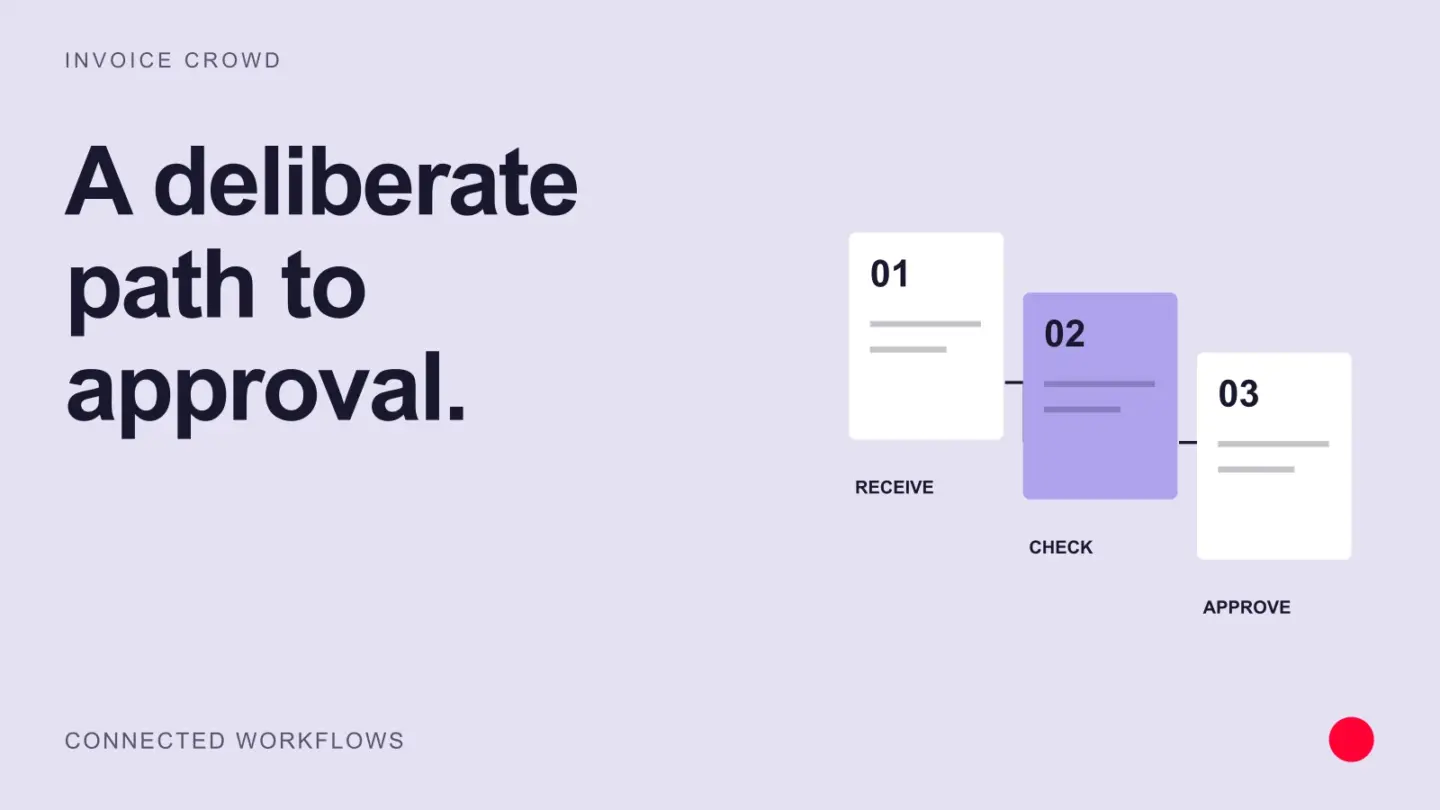
An invoice approval workflow routes a supplier invoice through validation, coding, evidence checks and authorized approval before posting or payment.
Design approval thresholds around risk and responsibility as well as job title, and define how duplicates, exceptions and urgent payments are handled.
Invoice approval workflow stages and controls
| Stage | Owner | Control | Exception |
|---|---|---|---|
| Capture | Accounts payable or billing operations | Record source, vendor, invoice number, date, amount, and duplicate check | Unreadable, duplicate, or unknown supplier |
| Match | System and requester | Compare purchase order, receipt, contract, and invoice | Quantity, price, tax, or reference discrepancy |
| Review | Business owner | Confirm delivery, coding, purpose, and budget | Work not accepted or wrong department |
| Approve | Authorized approvers | Apply amount limits and segregation of duties | Approver unavailable or above limit |
| Post and pay | Finance team | Post once, schedule under terms, and protect bank changes | Blocked vendor, sanctions, or payment-detail change |
| Reconcile | Finance team | Match payment, credit, bank settlement, and ledger | Failed, returned, duplicate, or unapplied payment |
A good invoice approval process gives visibility without approving everything by email. Custom approval workflows should route by legal entity, amount, department, vendor risk, purchase order status, and exception. The system should record who approved, when, under which limit, and what evidence was visible.
AP automation can capture and route invoices, and conflicting vendor bank changes, duplicate invoices and mismatched receipts should go to a person for approval. Approve invoices faster by automating clean cases and making exceptions more visible while keeping the controls.
Add an exception route to every approval
Decide who can approve a disputed quantity, a missing purchase order or a changed bank account. Give approvers access to the underlying order and receipt evidence. If someone is absent, use a named delegate with the same approval limit instead of bypassing the control. Measure time spent waiting for information separately from time waiting for approval.
Example
A $4,800 software invoice passes duplicate checks, is matched to the contract, coded by finance and approved by the budget owner before payment.
What to watch for
Automation should never make the requester the sole approver of their own purchase or allow changed bank details to bypass verification.
Put the next step into practice
Read our guide to purchase orders, invoices and bills for the related workflow. See how Invoice Crowd invoicing fits your setup.