On November 3, Larkspur Studio, a five-person branding agency, sent invoice INV-2207 for $9,600 to a retail client. Three days later the project lead spotted two errors: 48 design hours billed at $150 instead of the contract rate of $135, and a $350 stock photo license left off entirely. The correct total was $9,230. The question was how to fix it without making the records worse.
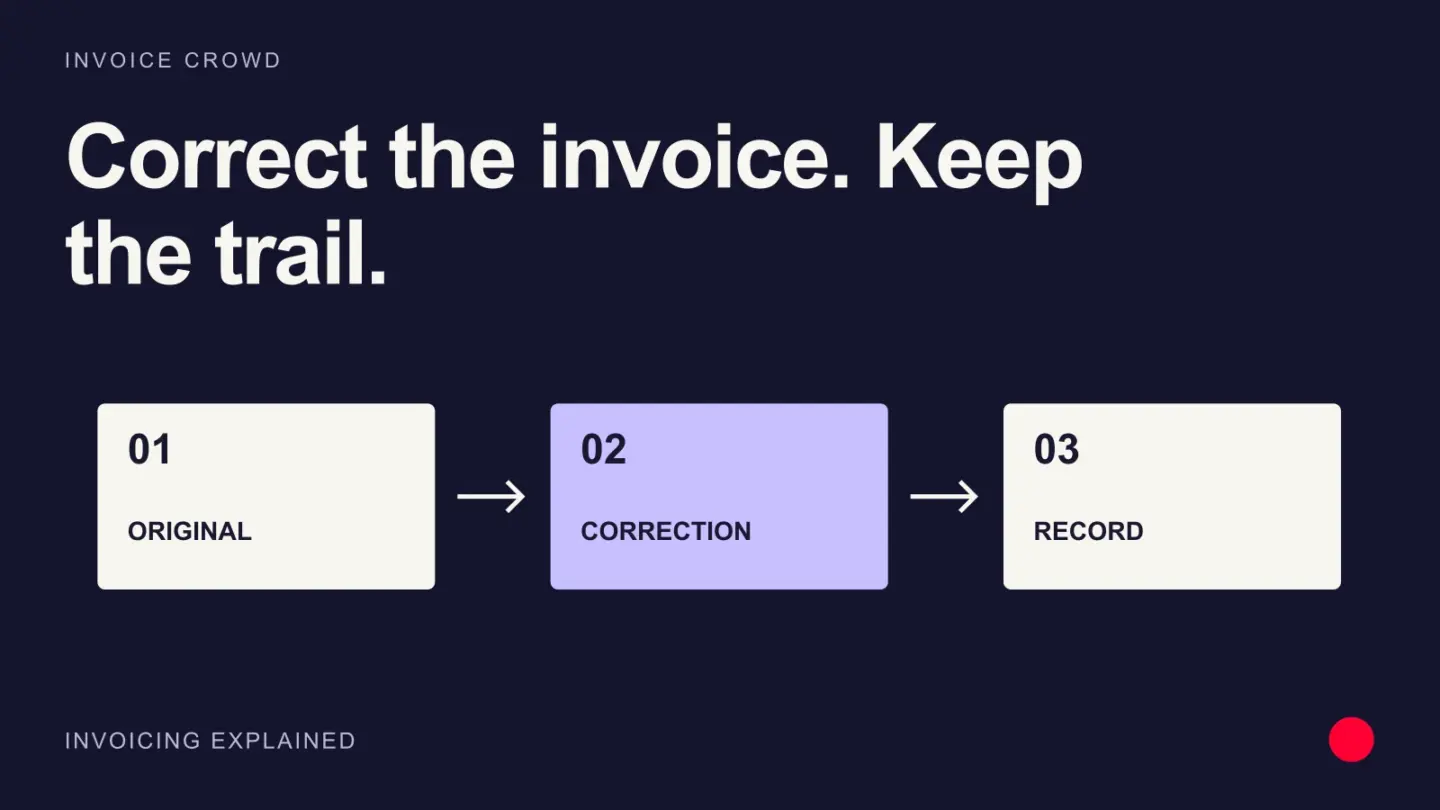
To correct an invoice mistake, first check the invoice’s status. Edit a draft freely. Once an invoice has been sent, keep the original and fix it with a linked document: void it and issue a new invoice with a new number, issue a credit note for an overcharge, or send a supplementary invoice for an undercharge.
Check the status before you fix an invoice error
The right correction depends less on the error than on where the invoice stands. An unsent draft is a working file. An invoice issued to a customer is a record that both sides have in their books, so you correct it by adding documents, not by rewriting history.
| Invoice status | How to correct it | What the customer receives |
|---|---|---|
| Draft, not sent | Edit the invoice and recheck the totals | Only the correct invoice |
| Sent, unpaid | Void the original and issue a new invoice, or issue a credit note | A void notice and a replacement, or a credit note |
| Paid or partly paid, overcharged | Issue a credit note, then refund or apply the credit | A credit note and a refund or a lower balance |
| Sent or paid, undercharged | Issue a supplementary invoice for the difference | A new invoice that references the first |
| Already reported for tax | Follow your tax authority’s correction method | Usually a credit note or a supplementary invoice |
How to edit an invoice that has not been sent
If the invoice is still a draft, fix the line, recalculate the subtotal, tax and amount due, and check the customer details once more. Nothing has left your business, so there is nothing to cancel. It is also the cheapest moment to catch errors, so always double-check a draft against the contract or time records.
How to cancel an invoice or correct it once it has already been issued
Once you have sent the invoice, do not overwrite it. The customer may have entered it in their accounts payable system, and your own books have recorded the sale. A silent edit leaves the two records disagreeing, with no trail showing why. You have two clean options.
Void the original and issue a new invoice
Voiding keeps the original invoice number and marks the document as void, so the number sequence stays complete. You then create a new invoice with a new invoice number and the correct amounts. This works best when the customer has not paid and the error touches several lines. Reference the original invoice number on the replacement so the customer can match the two.
Issue a credit note
A credit note reduces what the customer owes against a specific invoice. Some businesses call it a negative invoice or a cancellation invoice, because it mirrors the original with negative amounts. Use one when the customer has already paid, or when only part of the invoice amount was wrong. Our guide to credit notes, refunds and debit notes explains which document fits which situation.
A worked example: one invoice corrected two ways
Here is how Larkspur’s original invoice compared with what the contract supported. No sales tax applied to these services.
| Line | Invoiced | Correct | Difference |
|---|---|---|---|
| Brand strategy workshop | $2,400 | $2,400 | $0 |
| Design, 48 hours | $7,200 at $150 | $6,480 at $135 | $720 overcharged |
| Stock photo license | $0 | $350 | $350 undercharged |
| Total | $9,600 | $9,230 | $370 less |
Path 1, the client has not paid. Larkspur voided INV-2207 and issued INV-2214 for $9,230, with the note “Replaces INV-2207.” In the books, the void reverses the original sale (debit revenue $9,600, credit accounts receivable $9,600) and the new invoice records the correct one (debit accounts receivable $9,230, credit revenue $9,230). The customer pays one invoice for the right amount.
Path 2, the client paid $9,600 on November 5. Larkspur issued credit note CN-031 for $720 against INV-2207 and a separate invoice for the $350 license. The credit covers the license invoice, leaving $370 of credit that Larkspur refunds or holds against the next project. As a check, $9,600 paid less $9,230 owed leaves the same $370.
When you undercharged: a supplementary invoice
If you billed too little, the simplest fix is a new invoice for the missing amount only. Describe what it covers and quote the original invoice number, for example “Stock photo license omitted from INV-2207.” The customer pays the original as it stands and the supplement separately, and neither record is changed.
Avoid adding a forgotten charge to an invoice the customer has already approved, because their accounts payable team may hold the full balance while they check it. If the customer questions the charge, our guide to invoice dispute management covers the next steps.
Correcting a wrong VAT or sales tax amount
Tax errors need the most care, because the tax on the invoice has to match what you report on your tax returns. In the UK, HMRC’s guidance says that if a VAT invoice you issued shows more VAT than was due, you must account for the higher amount unless you correct the error with your customer by issuing a credit note. If it shows too little, you must account for the correct amount of VAT whether or not you correct it with the customer (HMRC VAT Notice 700/45, section 3.2).
For US sales tax, ask your accountant or the state tax agency where you collected the tax how to report a corrected amount. In any country, fix the tax on the document first and keep the credit note or supplementary invoice with your records for a later tax audit.
How to tell the customer about the correction
A short, specific email works best. Use a subject line that names both documents, such as “Corrected invoice INV-2214 replaces INV-2207.”
Hi Dana, we made a mistake on invoice INV-2207: the design hours were billed at $150 instead of our agreed $135, and the stock photo license was missing. We have voided INV-2207 and attached INV-2214 for $9,230, due December 3. Please disregard the original. Sorry for the extra step.
Name the error, say what you have done and give the new amount and due date. A long explanation makes a clerical slip sound like a bigger problem.
How to prevent invoicing errors
- Bill from the contract. Keep agreed rates in a saved item list so nobody types $150 when the rate is $135.
- Close the job before you invoice. Check expenses, licenses and change orders against the project file.
- Review before sending. A second person checks any invoice above a set amount.
- Use sequential invoice numbers. A gap or a repeat is easier to spot, as our guide to invoice numbering formats shows.
Invoicing software can help keep track of corrections. In Invoice Crowd, the invoice History tab shows who edited an invoice and what changed. Void keeps a sent invoice and its number, stamps it VOID and reverses it in the books, once any payments or credits on it have been removed. A credit note can be applied to the original invoice, and its PDF shows the credit remaining. Before an invoice goes out, the owner can email a test copy to themselves that is marked as not issued.
Frequently asked questions
Can you amend an invoice once sent?
Not the sent document itself. Leave the original in place and add a linked document: a credit for an overcharge, a supplementary invoice for an undercharge, or a void and a replacement if the customer has not paid. Each one should quote the original invoice number so both sides can follow the change.
How do I apologize for an incorrect invoice?
Keep it brief and factual. Say what was wrong, what you have done to fix it and what the customer now owes, with the due date. Attach the corrected document. One line of apology is enough.
How do you post an invoice correction?
A credit for an overcharge debits sales revenue and credits accounts receivable for the credited amount. A supplementary invoice does the reverse: debit accounts receivable, credit revenue. A void reverses the original entry in full, and the replacement invoice is posted as a new sale. If sales tax or VAT was charged, adjust the tax account in the same entry.
Should you correct a pro forma invoice?
A pro forma invoice is an advance quote in invoice form, not a request for payment, so the usual fix is to send a revised version and tell the customer which one replaces which. The correction steps above apply once you issue the final invoice.
Read our guide to purchase orders, invoices and bills for the related workflow, and see how Invoice Crowd credit notes and invoicing keep every correction tied to the original.