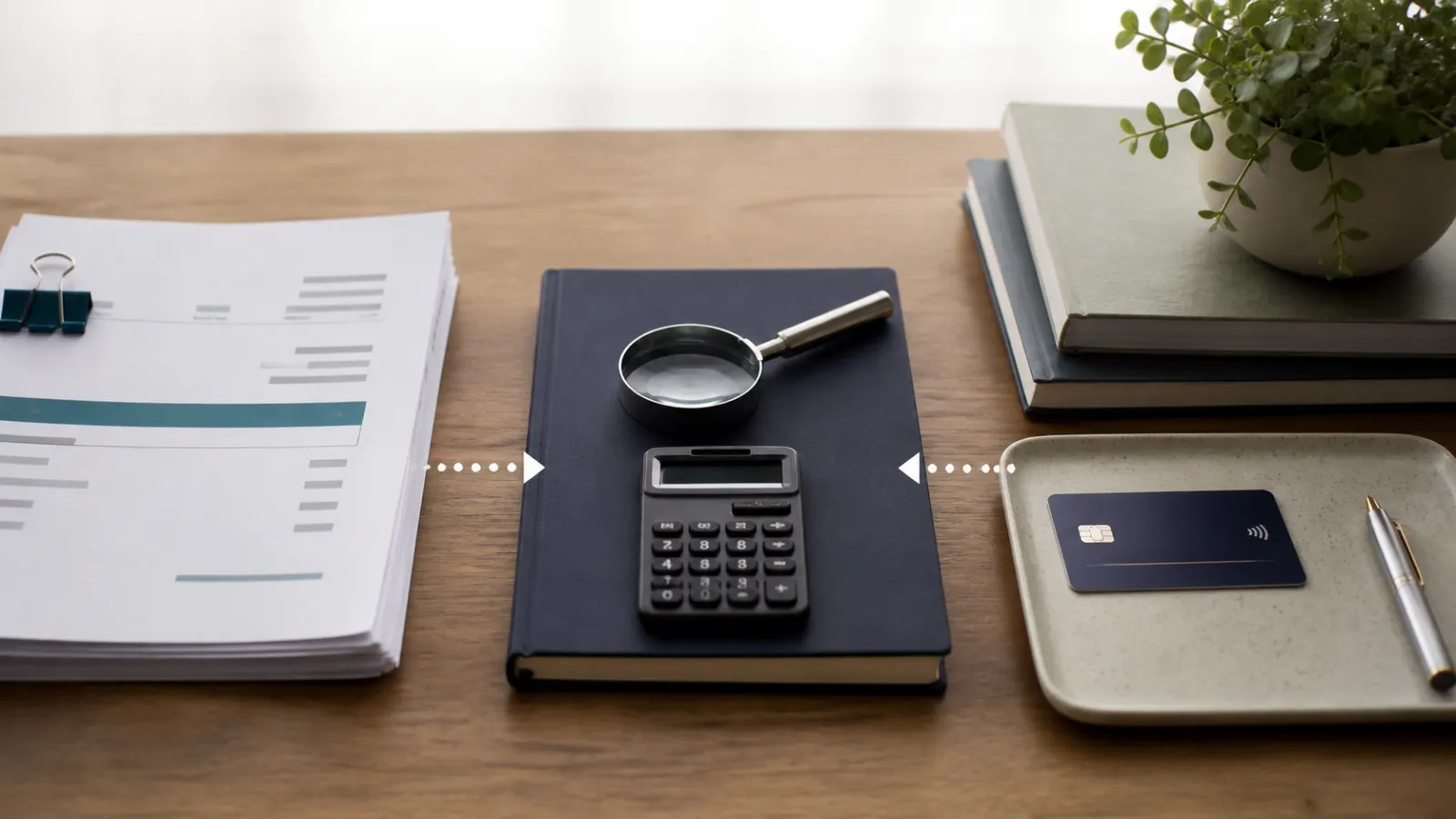
Invoice reconciliation matches issued or received invoices to payments, credits, bank activity and ledger balances so every amount has a supported status.
Reconcile at the document and payment-reference level, investigate differences, and post adjustments only with evidence.
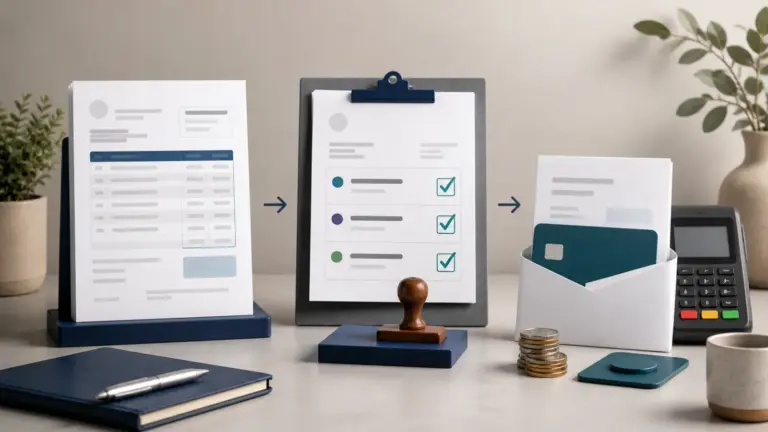
The five-step invoice reconciliation process
- Establish the source population. List every issued or received invoice for the period, including cancellations, credits, and drafts that should not have posted.
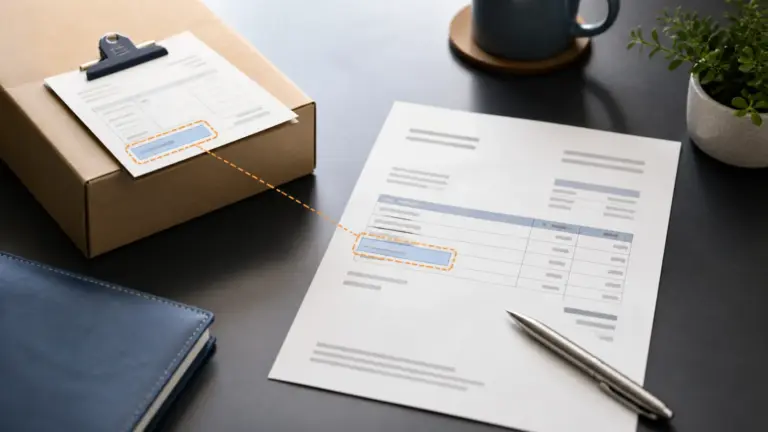
- Match commercial evidence. Compare the invoice to the purchase order, contract, delivery or receipt record, and approval.
- Match cash. Connect payments, processor transactions, bank statement entries, refunds, fees, and returned payments.
- Match accounting. Confirm customer or vendor, account, tax, currency, period, receivable or payable balance, and ledger posting.
- Resolve and sign off. Explain each discrepancy, post an authorized adjustment, retain evidence, and record the reviewer and date.
Common invoice reconciliation adjustments
| Difference | Likely cause | Resolution evidence |
|---|---|---|
| Invoice open but payment exists | Unapplied cash, wrong customer, missing remittance, or timing | Bank reference and approved payment allocation |
| Bank deposit below invoice receipts | Processor fees, refund, reserve, foreign exchange, or chargeback | Settlement report broken into gross payment and deductions |
| Invoice total differs from purchase order | Price, quantity, freight, tax, discount, or change order | Approved variance or corrected invoice |
| Ledger differs from invoice currency | Exchange rate or revaluation | Rate source, posting date, and foreign-currency calculation |
Automated invoice reconciliation should make matching invoices faster while retaining an exception queue. A reconciliation that forces totals to agree without explaining the discrepancy is not a control. Reconcile invoices at transaction level, then verify the control-account total and bank statement independently.
Investigate differences before changing balances
Match document numbers, customer or vendor, currency and gross amount before comparing payments. A difference can come from a credit, partial payment, processor fee or timing, not necessarily an incorrect invoice. Record the reason for each exception and keep unresolved items visible. Posting a balancing adjustment without identifying the cause can conceal a duplicate or a missing transaction.
Example
A $1,000 invoice has a $600 payment, $100 credit note and $300 remaining balance; reconciliation explains all three amounts instead of marking the invoice simply paid or unpaid.
What to watch for
Gateway fees, foreign exchange, withholding tax and batched deposits can create legitimate differences, but they still need explicit treatment.
Put the next step into practice
Read our guide to purchase orders, invoices and bills for the related workflow. Explore Invoice Crowd invoicing to see the product capabilities relevant to your setup.