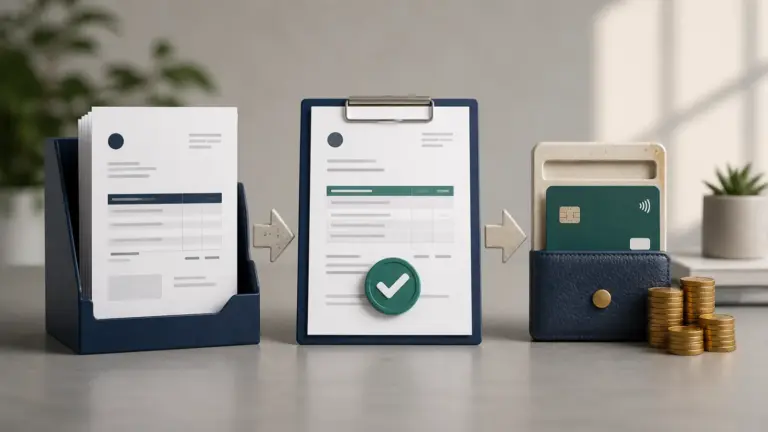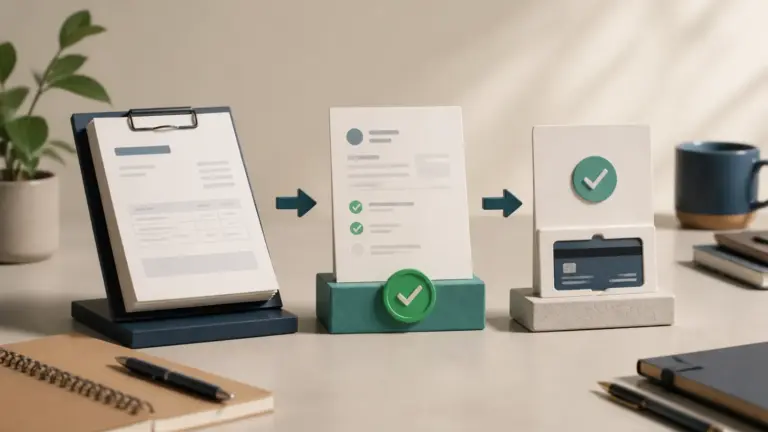
Invoice dispute management records, investigates and resolves a customer's challenge to an invoice while preserving the amount, evidence and communication history.
Classify the reason, assign an owner, pause only the disputed amount where appropriate, and agree the correction or explanation in writing.
Invoice dispute management workflow
- Acknowledge the dispute and pause only the disputed collection action.
- Record the invoice, line, amount, reason, owner, date, and promised response.
- Collect the contract, order, delivery, acceptance, time, price, tax, and communication evidence.
- Classify the root cause: commercial, operational, clerical, tax, payment, or customer process.
- Resolve with an explanation, supporting evidence, correction, credit, or agreed rejection.
- Confirm the undisputed amount and revised due date in writing.
A disputed invoice should not disappear from accounts receivable. Show disputed and undisputed balances separately, preserve the original bill, and record who approved any credit or write-off. Automate reminders only after the dispute status prevents contradictory collection messages.
Separate the disputed amount from the rest
If a client disputes one $200 line on a $2,000 invoice, identify the reason and ask whether the undisputed $1,800 can proceed under the agreement. Record who will provide the missing evidence and by when. Pause inappropriate reminders while investigating, but keep the outstanding balance visible. Close the dispute with a documented correction or acceptance, not an unexplained balance change.
Example
A client disputes 5 of 40 billed hours; the business isolates those hours, provides approved timesheets and keeps the undisputed balance moving toward payment.
What to watch for
Treating every dispute as a collection problem damages relationships, while accepting every complaint without evidence encourages recurring leakage.
Put the next step into practice
Read our guide to credits, refunds and debit notes for the related workflow. Explore Invoice Crowd customer invoicing to see the product capabilities relevant to your setup.