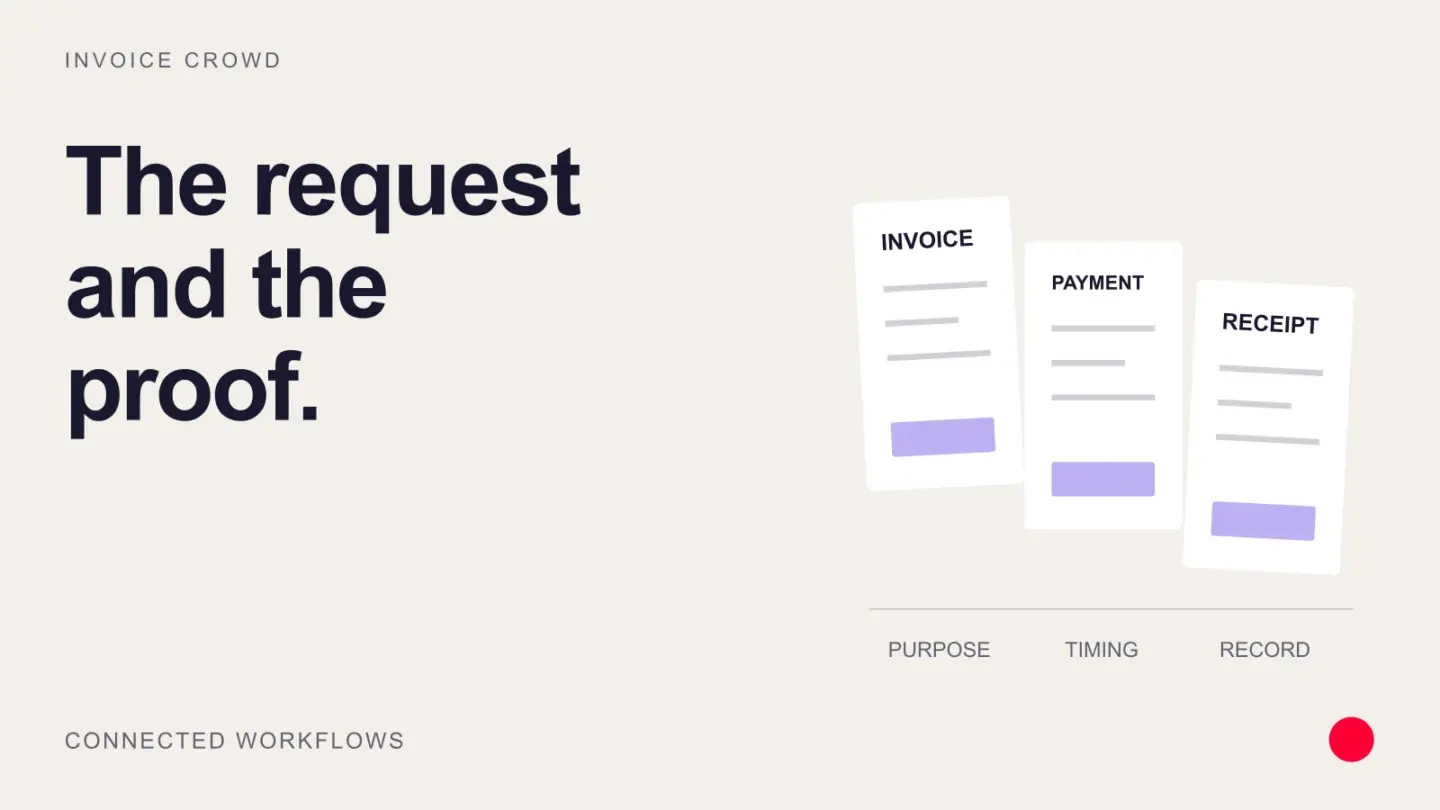
An invoice requests or records an amount due, while a payment receipt confirms that a specific amount was received by a stated method and date.
Send the invoice to request payment and issue a receipt or paid confirmation after reconciliation, retaining both documents when the customer needs evidence.
Payment receipt vs invoice
| Record | Timing | Main fact |
|---|---|---|
| Invoice | Before or when payment is due | The customer owes an amount for goods or services |
| Receipt | At or after payment | Payment has been received |
| Paid invoice | After allocation | The invoice balance is reduced or closed, with payment evidence linked |
An invoice and receipt should share the invoice number or transaction reference, customer, currency, amount, and payment date. The receipt confirms payment; it does not automatically satisfy every tax-invoice rule. Issue an invoice from the seller record and a receipt only after the payment reconciles.
Choose the document the recipient needs
A customer asking for proof of payment needs the amount received, date, method or reference, and the invoice settled. A customer asking for a missing invoice needs the itemized charge and relevant tax information. Sending the wrong document creates avoidable follow-up. Where one document serves both purposes, label the payment and outstanding balance clearly.
Example
Invoice IC-1048 requests $900 due 15 August; receipt RC-220 confirms the $900 card payment received 12 August and references IC-1048.
What to watch for
A receipt cannot substitute for required tax-invoice fields, and an invoice with a payment link is not proof that payment completed.
Put the next step into practice
Read our guide to payment links and invoices for the related workflow. Explore Invoice Crowd partial payments to see the product capabilities relevant to your setup.