A payment confirmation email tells the payer that money was received and identifies the amount, date, method, reference and invoices affected.
Send it only after authoritative payment status is available and avoid exposing full bank or card details.
Payment confirmation email template
Subject: Payment received for invoice IC-2048
Hello [name],
We received your [amount and currency] payment on [date] and applied it to invoice [number]. The remaining balance is [amount]. Your payment reference is [reference].
If this does not match your records, reply to this message using the contact details on our website.
A confirmation email should include the company name, invoice or order number, amount, currency, date, payment method at a safe level, and current balance. Do not include full account or card data. A legitimate transactional email should not ask the customer to send a password or payment code.
Confirm only money actually received
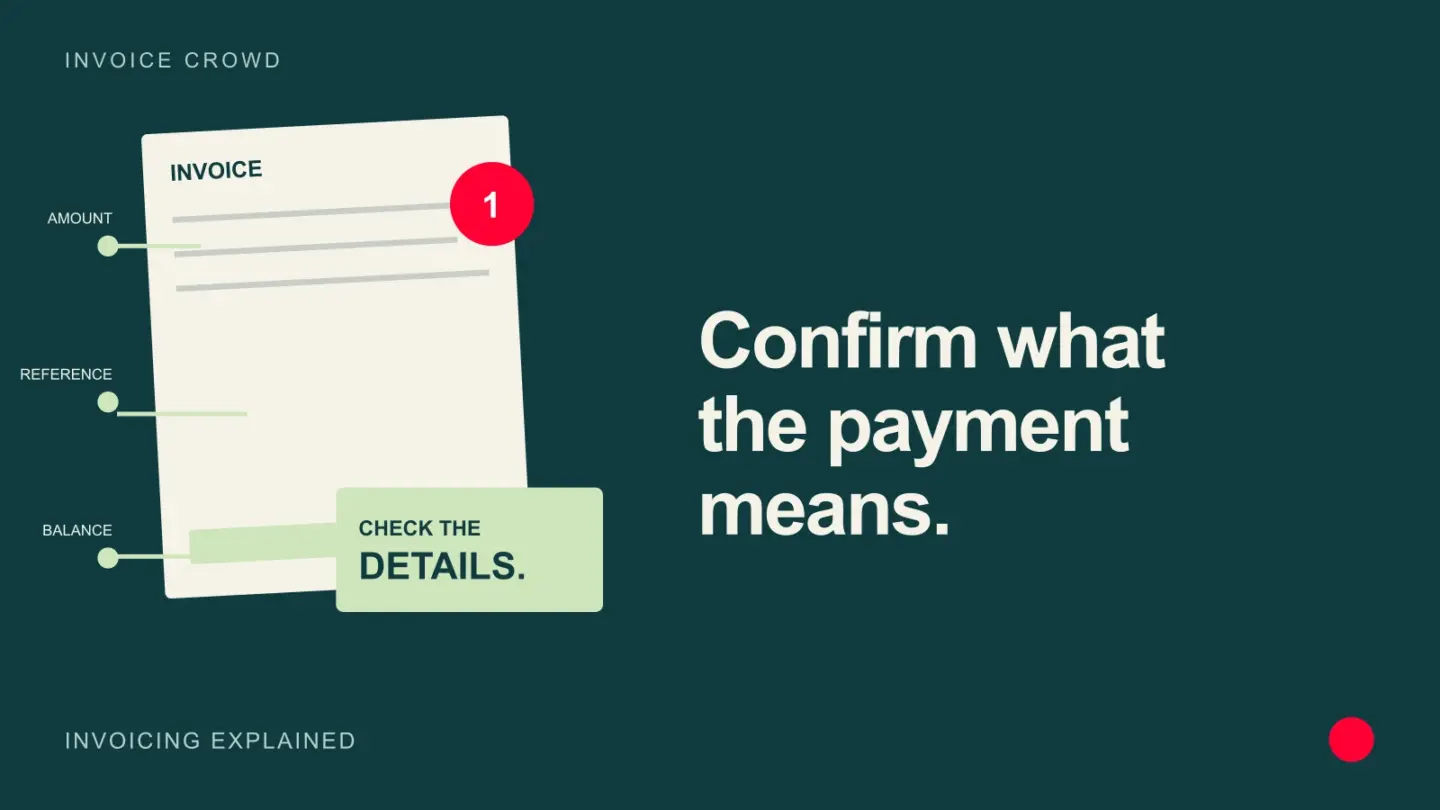
State the amount, currency, receipt date and invoice reference, then show whether anything remains due. Distinguish a submitted payment from a settled payment if the provider has not completed processing. Never include full card or bank credentials in the email. If the payment was applied incorrectly, send a correction that explains the allocation rather than quietly changing the customer record.
Example
We received $1,250 by bank transfer on 8 August 2026 and applied it to invoice IC-1048. The invoice balance is now zero.
What to watch for
A processor authorization, pending transfer or screenshot is not always settled cash, so word the message to match the actual state.
Put the next step into practice
Read our guide to payment links and invoices for the related workflow. Explore Invoice Crowd partial payments to see the product capabilities relevant to your setup.