Payment gateway fees are the combined transaction, percentage, currency, cross-border, refund, chargeback and other charges tied to collecting money electronically.
Calculate cost per payment and per collected dollar using actual ticket size, geography, method, refunds and settlement currency.
Payment gateway fees to compare
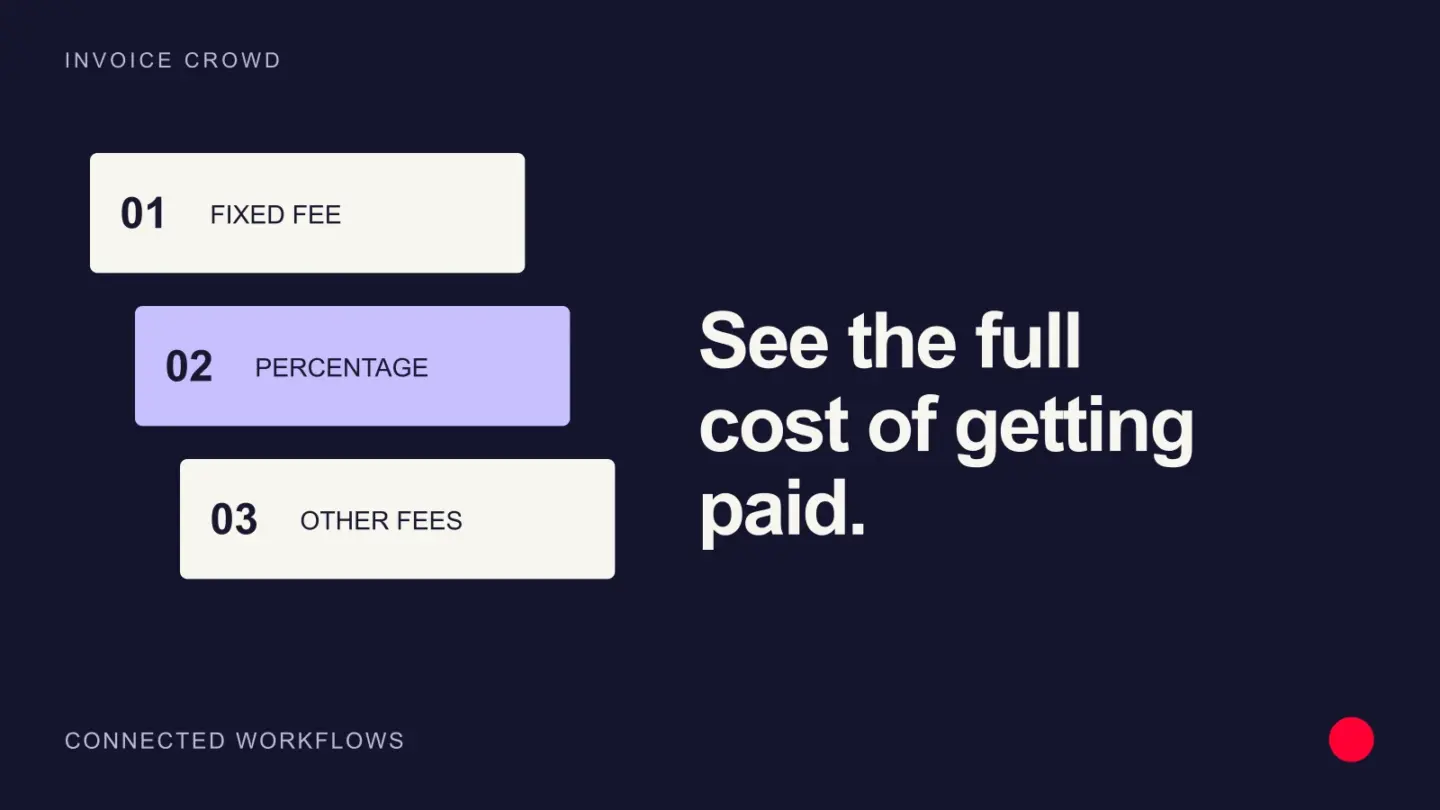
- Setup, monthly fee, and gateway fee.
- Per-transaction fee and percentage processing fee.
- International, currency conversion, and cross-border charge.
- Refund, chargeback, dispute, and retrieval fee.
- Failed transaction, retry, payout, or expedited settlement fee.
- Reserve, minimum volume, PCI, terminal, or optional service charge.
Calculate the effective cost on your own mix. A provider charging 2.9 percent plus $0.30 produces different results for ten $10 card payments than for one $100 payment. Stripe, PayPal, bank, and other pricing can change, so use current primary fee pages and include taxes before deciding.
Also compare approval rate, settlement time, payment methods, fraud tools, reconciliation detail, support, and contract exit cost. The cheapest advertised transaction fee is not always the lowest total cost.
Model fees using your actual transaction mix
Use the average invoice value, number of payments, card types, currencies and likely refunds. A low percentage with a larger fixed charge can cost more on small invoices. Include payout, cross-border, dispute and currency-conversion charges where applicable. Reconcile the first real settlement report against your estimate before assuming the advertised rate is your effective cost.
Example
A $1,000 card invoice with a 2.9 percent plus $0.30 fee costs $29.30 before any cross-border, conversion or dispute charges.
What to watch for
Published headline pricing can change and may exclude taxes, platform fees, reserve requirements, payout fees or negotiated rates.
Put the next step into practice
Read our guide to payment links and invoices for the related workflow. Explore Invoice Crowd partial payments to see the product capabilities relevant to your setup.