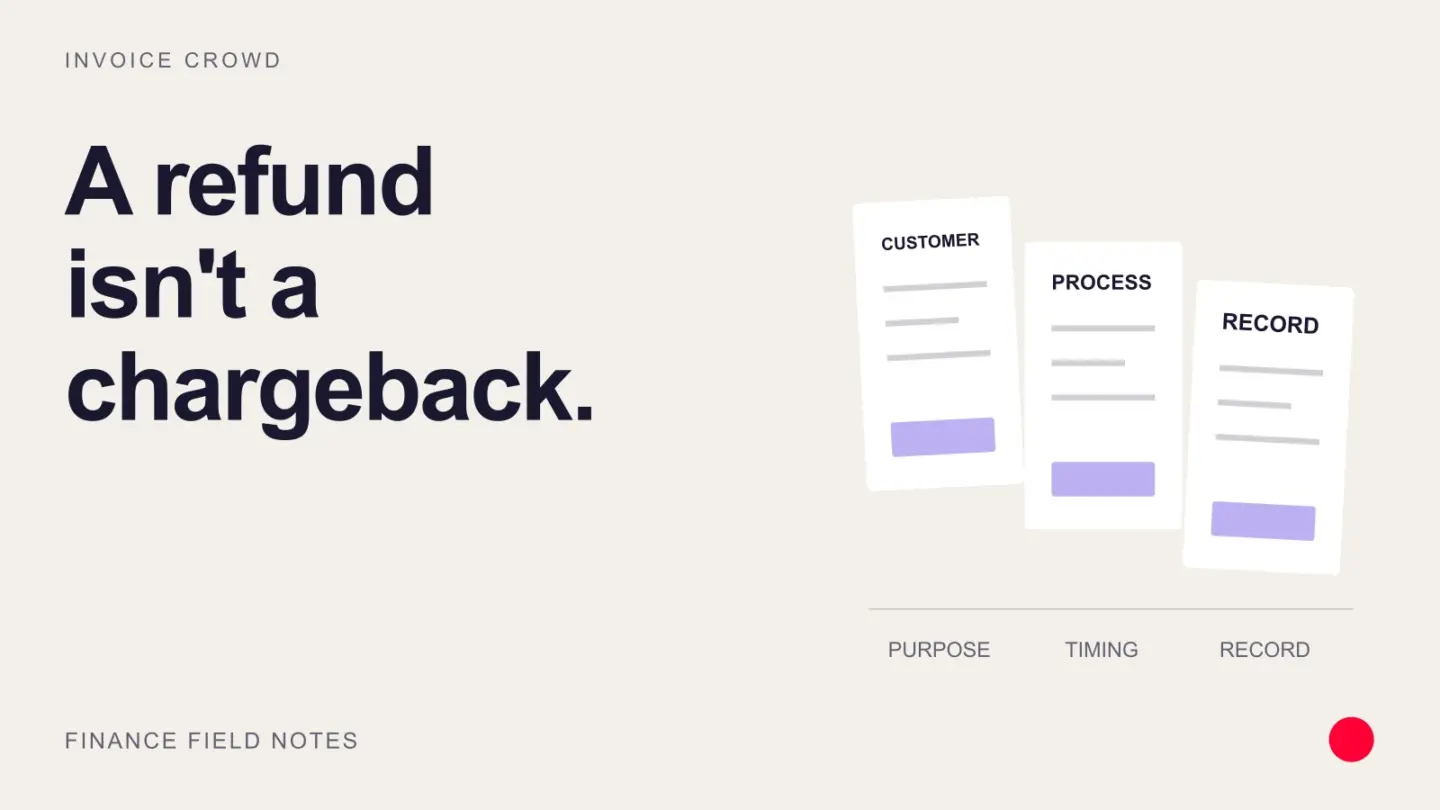
A refund is money returned by a merchant. A chargeback is a reversal pursued through the cardholder’s issuing bank after a payment is disputed. The main differences are who controls the process, what evidence is required, and the fees and deadlines the merchant faces.
For a small business, the first question is whether a formal dispute is already open. Resolve a straightforward refund request through the original payment route when appropriate. If a chargeback has started, follow the processor’s dispute workflow before sending any money back separately.
Chargeback vs refund: key differences
| Question | Refund | Chargeback |
|---|---|---|
| Who starts the process? | The merchant issues the refund, often after a customer request. | The cardholder disputes a charge through the card issuer. |
| Who handles it? | The merchant and payment provider. | The issuer, card network, acquiring side and merchant participate in the dispute process. |
| Why does it happen? | A return, cancellation, duplicate payment or agreed adjustment. | An alleged unauthorized charge, non-delivery, processing error or other disputed transaction. |
| What records matter? | The original payment, reason, amount and refund confirmation. | The dispute reason, response deadline and evidence relevant to that reason. |
| What does it cost? | The returned amount and any non-refundable or additional provider fees. | The disputed amount, possible chargeback fees and the time needed to respond. |
| Is the result immediate? | Submitting a refund does not guarantee it is already visible in the customer’s account. | Funds may be debited while the issuer reviews the case; the initial debit is not the final decision. |
When should you issue a refund?
A refund is usually the appropriate route when you agree that money should go back and the payment is not already in a formal dispute. For example, a client paid $600 for a service that was cancelled under your agreed terms. You return the eligible amount against the original transaction and retain the confirmation.
Use the actual payment status to choose the action. An incomplete payment may be cancelled or an authorization voided; a completed payment may need a refund. These actions have different effects, so do not describe every cancelled payment as a refund.
Check your provider’s terms before promising that a refund is free or instant. For example, Stripe’s refund documentation distinguishes cancellation from refunding a successful payment and states that the original processing fees are not returned.
What happens during a chargeback?
A customer may dispute a charge because they do not recognize it, believe it was unauthorized, did not receive the goods or service, or disagree with how the transaction was handled. A complaint is not proof of fraud, and merchants should not assume every disputed payment is deliberate misuse.
The exact chargeback process depends on the card network, reason and provider. Typically, the merchant receives notice, reviews the claim, and either accepts the chargeback or submits evidence through the processor. The issuing bank evaluates the response.
Stripe’s dispute lifecycle guide explains that it debits the disputed amount and a dispute fee when a formal dispute arrives. It also blocks a separate refund while that dispute is open. Other providers may present different controls, so follow the instructions for your specific case.
How to respond without creating a double refund
- Check the original transaction. Match the payment ID, customer, invoice, amount and currency. Look for a refund already submitted or still pending.
- Check the dispute status. If a formal case is open, do not send a bank transfer or issue another refund to resolve it informally. Ask the provider which route is appropriate.
- Record the response deadline. Use the deadline shown in the case, not a generic number of days from a blog.
- Review the reason and evidence. Relevant records may include the agreed scope, authorization, delivery or service completion, cancellation terms, and customer communications.
- Choose the supported response. Accept the chargeback when appropriate or submit a concise evidence package addressing the claim. Retain proof of any earlier refund.
- Verify the final outcome. A customer’s promise to withdraw a dispute is not confirmation that it is closed. Check the provider’s final status and reconcile any returned funds or fees.
Visa’s merchant guidance emphasizes clear return policies and responding with relevant information through the acquiring side. Strong records help explain a transaction, but they do not guarantee a successful dispute.
How to record chargebacks and refunds
Keep the original invoice and payment history. Record the refund or chargeback movement as a linked event rather than deleting the sale or entering the money twice. Separate the payment amount from provider fees, and record any funds returned after a dispute is won.
For example, suppose a provider debits a $600 disputed payment and a hypothetical $20 fee. Your reconciliation needs to explain a $620 reduction, not a $600 movement with an unexplained $20 difference. The fee is an illustration, not a quoted provider rate.
The accounting treatment depends on the underlying event. A cancelled sale, an overpayment refund and a disputed but still-collectible customer balance are not necessarily posted to the same accounts. Ask your accountant which revenue adjustment, receivable, expense or clearing account is appropriate, and whether a credit note or tax adjustment is required.
Reduce avoidable disputes and customer frustration
- Make your business name recognizable on the invoice and payment statement.
- Explain scope, delivery dates, renewal terms and refund policies before the customer pays.
- Give customers a clear way to contact you about billing problems.
- Send confirmation when a refund is submitted and distinguish that from when it reaches the customer’s account.
- Keep evidence of delivery or completed work alongside the payment record.
- Review repeated dispute reasons and your provider’s chargeback monitoring metrics. Do not assume a single threshold applies to every network or region.
Chargeback vs refund FAQs
Can a customer receive both a refund and a chargeback?
Overlapping processes can create a risk of paying twice. If you have already refunded the transaction, retain the refund reference and supply it through the dispute process. Do not issue another payment without checking the current case.
Is a refund always cheaper than a chargeback?
It can involve less administration, but compare your actual provider terms. Processing fees may not be returned, and dispute fees vary. Resolve legitimate refund requests on their merits rather than treating every complaint as a chargeback to fight.
Does winning a chargeback erase it from monitoring?
Do not assume so. Card networks and processors define their dispute metrics differently. Check the current rules that apply to your merchant account.
How long does a refund or chargeback take?
There is no single timeline for all payment methods and providers. Refund visibility depends on the provider and receiving bank; a chargeback involves response and review stages. Give customers the estimate shown for their transaction and track the status.
Keep the refund connected to the invoice
Invoice Crowd’s refund workflow lets you manage supported gateway refunds from the invoice and record refunds made outside the app. Recording an offline refund documents a payment already returned; it should not be mistaken for sending the money. A card dispute still needs to be handled through the relevant provider.
For related billing workflows, see payment links and invoices or split and partial invoice payments.