Harbor Lane Design has billed from the same invoicing tool for four years. It holds 212 customers, 1,940 invoices, 41 open invoices worth $58,320, $4,150 of unapplied customer credits and 14 retainers that bill on the 1st. The owners want better online payment options without one wrong balance or a client charged twice.
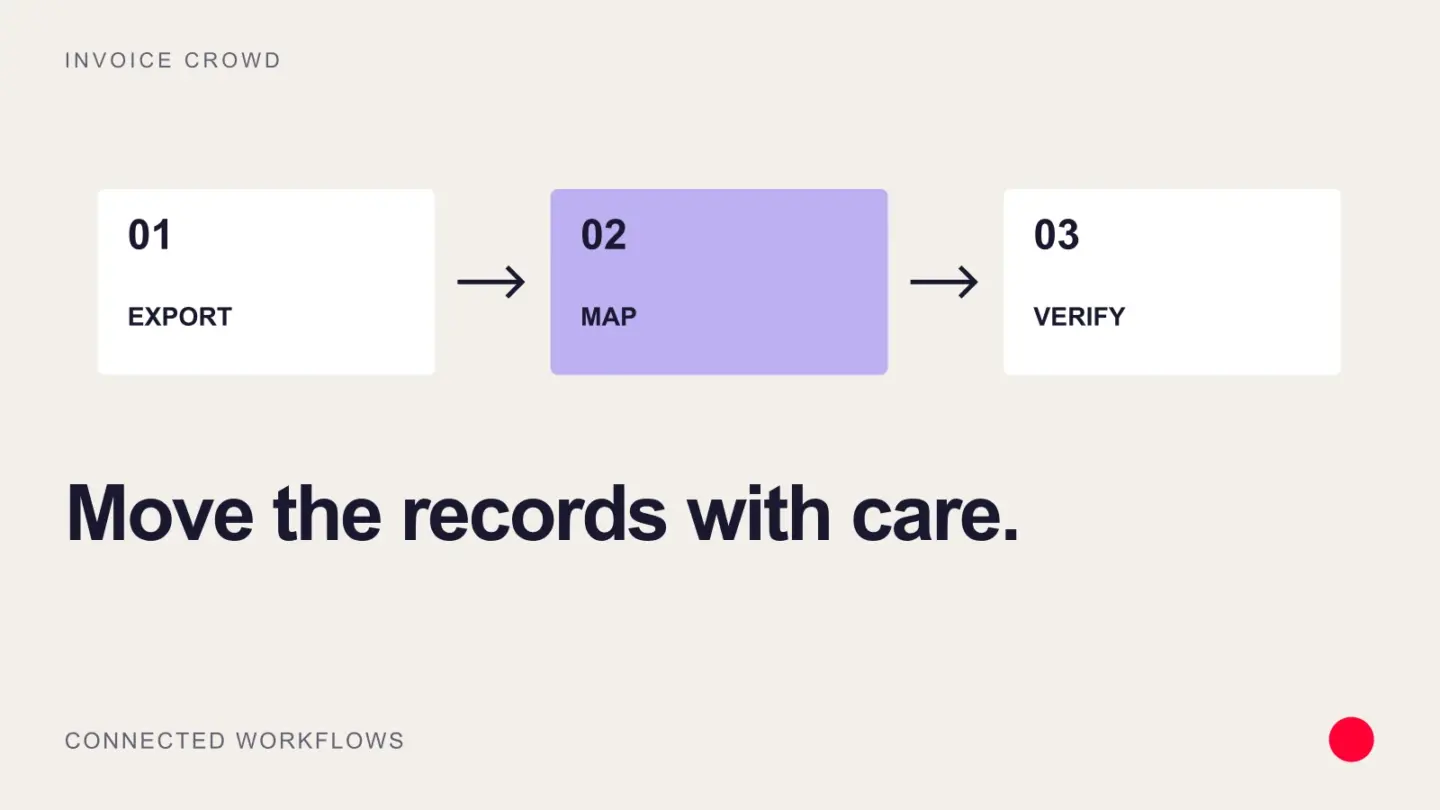
To switch invoicing software without losing history, export everything from the old system first, choose a cutover date and reconcile open balances to it, import a small test batch before the full file, and run automation in only one system at a time. Keep a read-only archive of anything the new tool cannot hold.
Most invoice migrations fail quietly. Customer names arrive, so the move looks successful, but payment allocations, credit history, recurring rules, attachments or tax detail stay behind. The business discovers the loss only when a client disputes a balance or an accountant asks for the old period.
Signs your invoice software no longer fits your small business
A free invoice generator or a few invoice templates in Word work for a handful of clients. Small business owners usually outgrow them once the setup eats hours each month, strains cash flow and slows how fast they get paid:
- You retype the same invoice each month because there is no recurring billing.
- Clients ask to pay by card or bank online, and all you can send is a PDF.
- You chase late payers by hand because nothing can automate payment reminders.
- Invoice processing takes your bookkeeper hours, because every invoice is re-keyed into the accounting system.
- You bill in a second currency, or from a second business.
Every year adds history to move, so the cheapest switch is usually the next quiet month end. If you are unsure whether you need invoicing and accounting software or a dedicated invoicing system, read invoicing software vs accounting software, and see when to replace invoicing spreadsheets if you are leaving Excel.
Choosing invoicing software: test the software features a move needs
Most rankings of the best invoicing software compare what you see on day one: templates, a mobile app, payment options and a free plan. For a switch, test the features that decide whether your history survives, and treat any invoice software trial as a rehearsal of the move. Free invoicing software is fine if it lets you export your data again.
| Feature | What to test in the trial | Why it matters for the move |
|---|---|---|
| Import | Load customers, items and open invoices from your CSV or Excel export | No retyping, and errors show up early |
| Numbering | Start a new invoice at your next number and prefix | No client sees two invoices with one number |
| Recurring schedules | Save the first run as a draft | You check every amount before a client does |
| Export and integration | Export invoices to your accounting software | Your accountant keeps closing the books |
The best overall tool for one type of business can be wrong for another. A studio with 14 retainers needs dependable automation more than a slick invoice generator, while many freelancers and small businesses mainly want simple invoicing and fast payment. Our invoicing software scorecard turns these invoicing needs into a weighted score.
Decide what the new system must know
Every material record must remain retrievable, but not every field has to be active. Open invoices, customer credits, deposits and recurring schedules are operational. Closed invoices, attachments and receipts may live in a read-only archive if the new system cannot preserve their exact behavior. Document that decision before export.
| Data group | Active migration priority | Archive requirement |
|---|---|---|
| Customers and tax identity | High | Original source and change date |
| Open invoices and balances | Critical | Full line, tax, credit and payment history |
| Closed documents | Depends on reporting need | Searchable, readable and retained for required period |
Export everything from the old billing software first
Take exports while the old invoicing platform still has full access, before you cancel the plan. The list is the same whether the source is QuickBooks, FreshBooks, Zoho Invoice, Invoice Ninja, Wave or a folder of spreadsheets. Take both structured data and readable documents: a CSV keeps amounts but not the signed proposal, and a PDF keeps the layout but not the allocations.
Record the export date, filters and row counts. Harbor Lane’s export showed 212 customers, 1,940 invoices and 2,615 payment rows, the first counts to check after import.
- Customers and contacts
- Items, services, tax codes and currencies
- Estimates, proposals, invoices, bills and credit notes
- Payments, refunds, processor fees and allocations
- Recurring profiles and next-run dates
- Attachments, approvals and audit logs
Reconcile the old system to a cutover date
Choose a date after which new transactions go only into the new system. At that date, reconcile bank and payment clearing accounts, list every open receivable and credit, and capture the last number in each sequence.
Harbor Lane chose March 31. Its aging report showed $58,320 across 41 invoices: $31,900 current, $17,600 one to 30 days late, $6,420 at 31 to 60 days and $2,400 over 60. The new aging had to show the same four figures, customer by customer, before anyone could send an invoice. The $4,150 of credits had to stay credits, or three clients would be billed for money they had already paid. The last number was HLD-1940, so the new system starts at HLD-1941 (see invoice numbering formats).
| Control total | Old-system evidence | New-system proof |
|---|---|---|
| Open receivables | Customer aging at cutover | Imported opening invoices or balances agree by customer |
| Customer credits and deposits | Unapplied balance list | Liability or credit remains available without becoming revenue |
| Last invoice numbers | Sequence report | New numbering starts without collision |
| Recurring profiles | Active, paused and next-run list | Only intended profiles are active in one system |
| Cash and gateway clearing | Reconciled account totals | Opening entries and unsettled payments are identified |
After import, reconcile the general ledger and its supporting balances so the new books reflect what customers actually owe. Our accounts receivable reconciliation checklist walks through the tie-out, and clearing unapplied cash covers credits that never found an invoice.
Import in a sandbox or reversible batch
Start with the hard cases: two currencies, a partial payment, a credit, an overdue invoice, a recurring customer and a document with tax. Keep a source identifier on every record, so re-running a file cannot create a second customer or invoice.
- Map fields and document states before import.
- Import ten representative records.
- Compare counts and totals.
- Test search, view, edit and export.
- Roll back or correct the batch before scaling.
- Run the full import and repeat reconciliation.
Prevent duplicate recurring billing, reminders and payment requests
The riskiest cutover actions are recurring runs, scheduled sends and automatic reminders. You switched to automate invoicing, and automation is also what bills a client twice. List every rule you automate in the old system, then give each one owner and one enable date in the new system.
Harbor Lane rebuilt its 14 retainers on March 27 as drafts, compared each amount and next-run date with the old profiles, paused the old ones on March 30 and let the new schedules run on April 1. Our guide to recurring invoices and failed payments covers proration and retries.
The 41 open invoices went out from the old tool, so their Pay buttons still point at the old online payment setup. Keep that gateway, and the business account it pays into, connected until those invoice payments land, or reissue the invoices from the new system. Before you send invoices to clients, send one to yourself and check the sender, links, currency and due date.
Archive best practices before you close the old account
If the new product cannot reproduce closed history exactly, keep an archive for the required retention period. In the US, the IRS says to keep most tax records for 3 years, and 7 years if you claim a bad debt deduction. Include a data dictionary, the export date and instructions for finding a customer or document.
Cancel the old service only after exports are validated and the team knows where historical evidence lives. Record what was not migrated and why.
How Invoice Crowd fits your invoicing workflow
Invoice Crowd imports customers, vendors, invoices and estimates from CSV, TXT, XLS and XLSX files of up to 50 MB. On a new invoice you can type the number your old sequence would use next, such as HLD-1941, and later invoices continue from it.
On paid plans, a recurring schedule can create each invoice as a draft for you to review and send, which suits the first month after cutover. Send Test emails an unsent invoice to you alone, with a PDF stamped as a test. If your accountant stays on QuickBooks Online or Xero, you can export up to 100 invoices at a time as import files for either.
Frequently asked questions
Can I switch invoicing platforms without losing my data?
Yes, if you export everything before you cancel and reconcile to a cutover date. Import what the new system can hold, prove open balances customer by customer, and keep a read-only archive of the rest, including payments, allocations and attachments.
Should I import every old invoice?
Not always. Import the history the new system can preserve reliably and keep a validated archive for the rest. Open invoices, customer credits and deposits need the most care, because those are the balances clients will question first. A clean archive also answers your accountant’s questions about earlier years.
Can I send recurring invoices automatically after the switch?
Yes, once each schedule exists in only one system. Rebuild schedules before their next run, check each amount and date, pause the old automation, then enable the replacement. Saving the first run as a draft gives you one last review before a client sees it.
Do I really need invoicing software, or can I use Word or Excel?
Word and Excel work for a few clients a month. Software starts to save time once you have repeat billing, partial payments, reminders or a second currency, because a spreadsheet cannot track what each client has paid or send a reminder when an invoice is late.
Explore Invoice Crowd invoicing and online payments to see how they fit your setup.