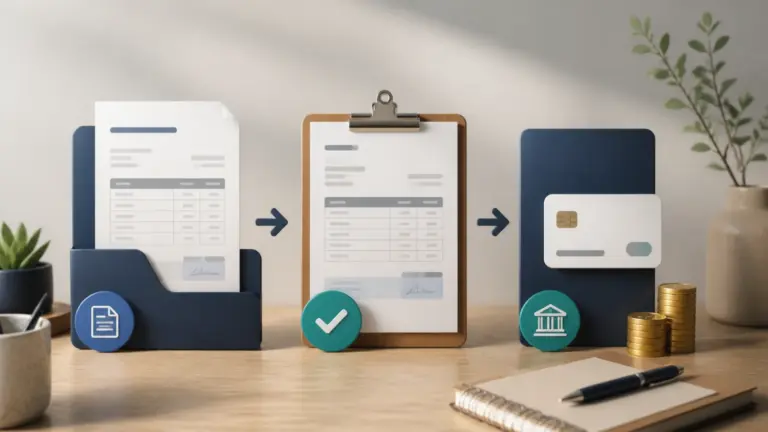
An invoicing integration needs a clear trigger, a supported action and a rule for avoiding duplicate records. Confirm the Pabbly connector and the destination API support the exact fields and events you need, then test the whole billing sequence.
Choose one handoff to automate
Start with a recurring problem, such as entering the same customer details into two systems. Name the source record, the destination record and the person responsible for reviewing failures. Check the current Invoice Crowd Pabbly connection for the triggers and actions available to your workflow.
A payment event is not automatically an instruction to issue another invoice. If the original invoice already exists, the workflow may need to update a payment record instead. Decide this before mapping fields.
Map the fields that affect the document
- Customer identity and billing details.
- Invoice currency, line descriptions, quantities and prices.
- Applicable tax and discount fields.
- The source record’s unique reference.
- Dates, payment terms and the required destination status.
Keep a unique source reference so a retry can find the existing record. Decide what happens when the source changes after an invoice has already been sent. Do not silently replace an issued document with a different amount.
Test normal and failed runs
Use a test customer to run a valid event, the same event twice, a record with a missing field and a failed connection. Check the resulting records in both apps. A successful automation log is not enough if the customer or currency is wrong.
Make failures visible
Assign someone to check failed runs and reconnect expired credentials. Keep a short record of the field mapping and retry procedure. Expand to another workflow only after the first handoff produces the expected records consistently.
For the broader process, see our guide to automating an invoicing workflow.