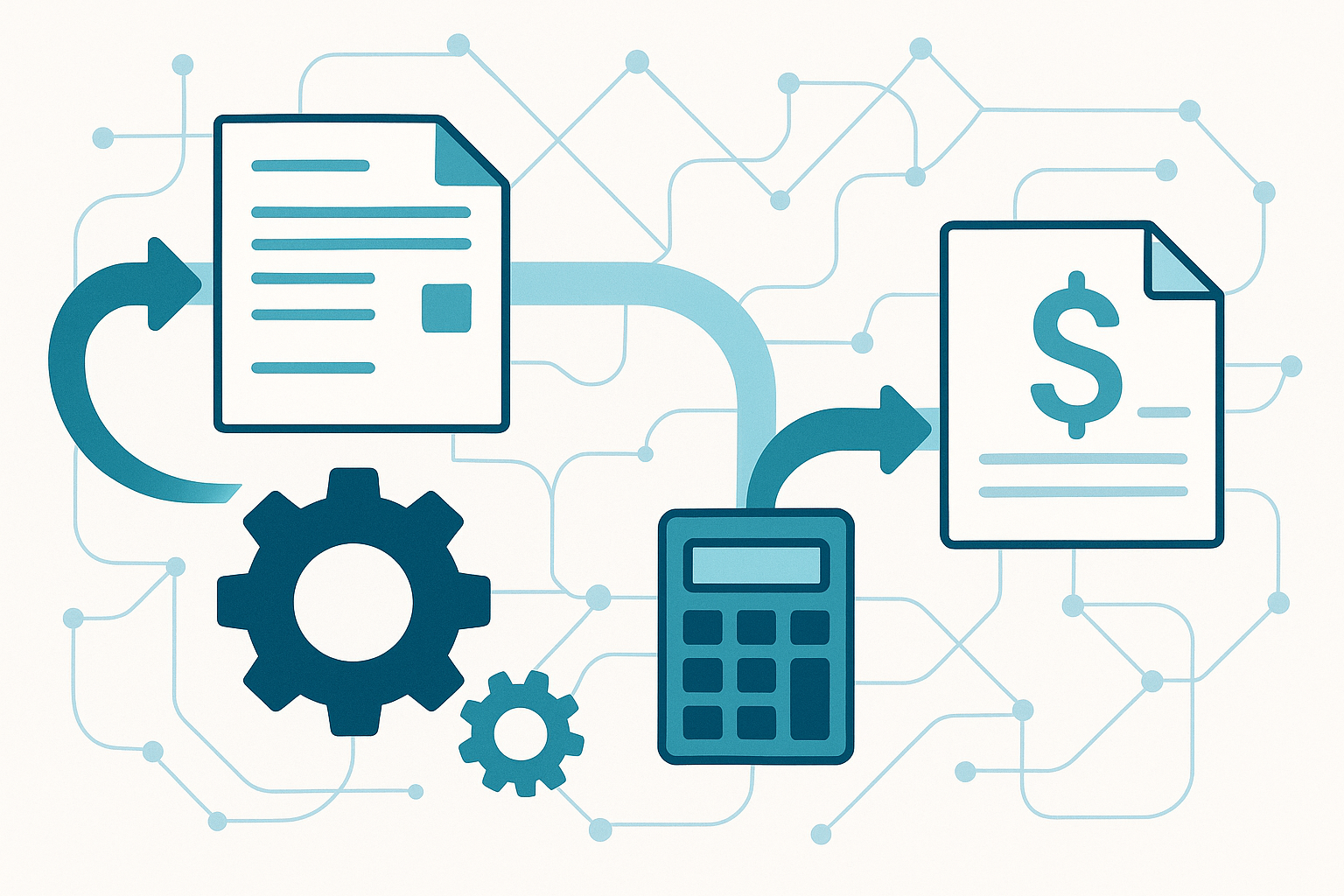
Compare automating Your Invoicing Workflow with the work you need to manage each day. With Invoice Crowd, you can connect proposals, estimates, invoices, payments and financial records in one workspace. The options below help you compare that approach with the other products on your shortlist.
We publish this comparison as Invoice Crowd. We explain where our product fits and link to the other vendors so you can check the features and terms that matter to you.
Map your current process
Write down who confirms the scope, creates the invoice, checks it, sends it and follows up. Look for repeated data entry and steps that depend on someone remembering a date. Record the exceptions too, including changed scope, disputed charges and partial payments.
Automate the predictable steps first
- Reuse customer details instead of entering them for each invoice.
- Convert an approved estimate into an invoice, then check the final amounts.
- Schedule recurring charges where the amount and agreement support them.
- Set payment reminders around the agreed due date.
- Track payments against the invoice balance.
Keep approval for unusual discounts, new tax treatments and material changes to an issued invoice. A workflow should make these exceptions easier to find.
Test the whole payment cycle
For example, create a $1,000 test invoice and record a $400 payment. Confirm that the remaining balance is $600 and that any later reminder uses that balance. Then check a fully paid invoice, a cancelled document and a failed payment attempt.
If another app starts the workflow, test retries and duplicate events. Keep a reference that lets you trace the invoice back to the original order or approved work.
Measure whether the process improved
Compare the time needed to prepare an invoice, the number of corrections and the amount of overdue debt before and after the change. Separate a process error from a customer who has a genuine billing question.
Invoice Crowd brings invoicing, payment records and related customer work into one account. Choose the integrations you actually need, and keep a named owner for failed or unusual transactions.