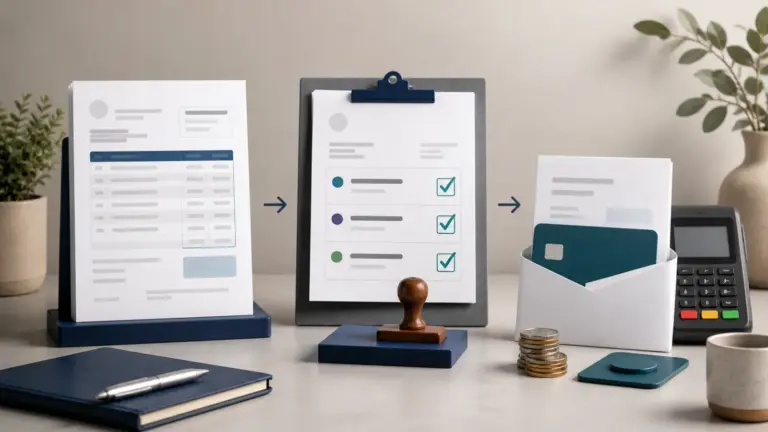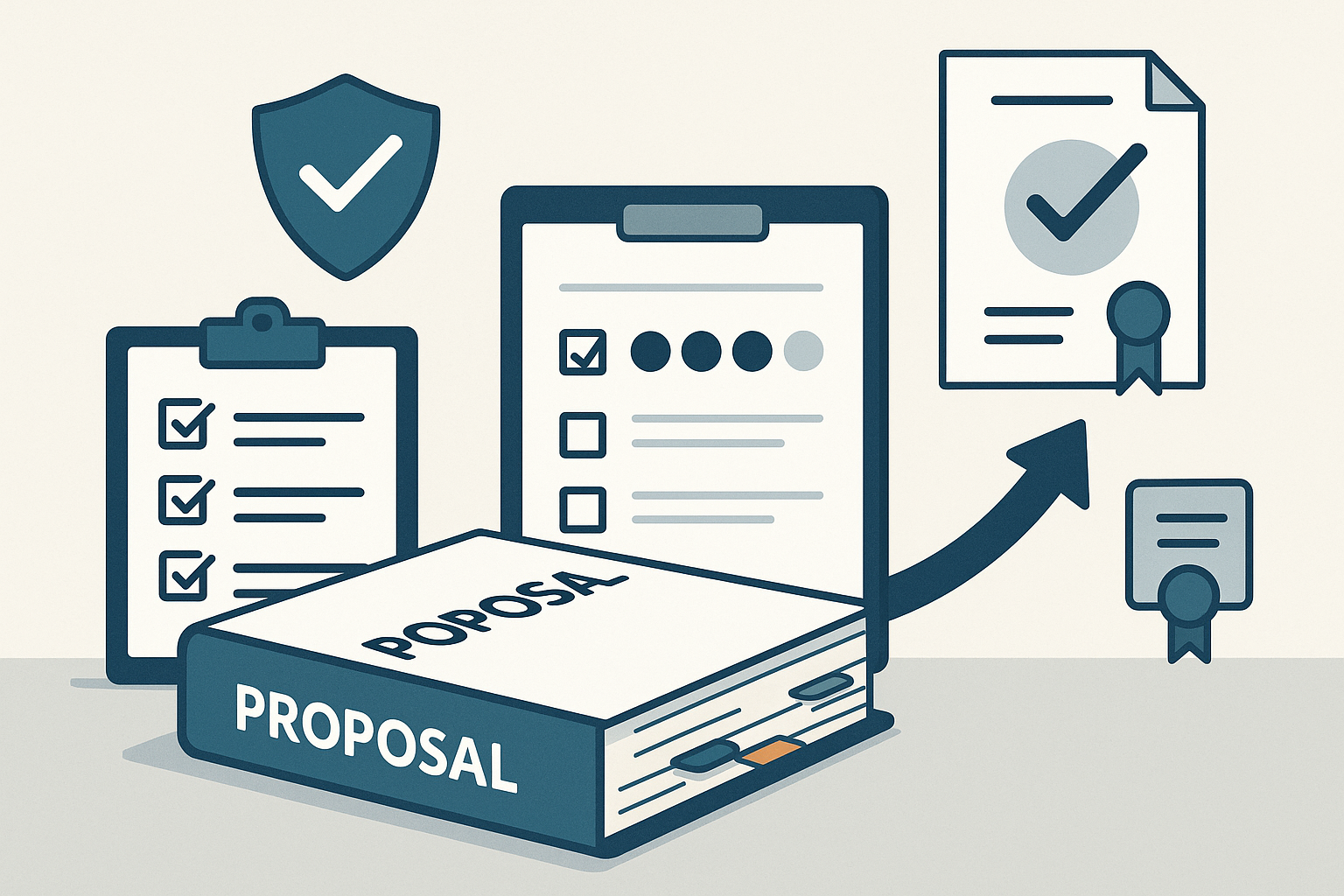
A proposal system keeps scope, pricing, reusable content and the client decision in one process. Use it to make offers clearer and follow-up more consistent, then connect the accepted work to the project and invoice.
Keep the offer specific
Describe the customer’s problem, the result you will deliver and the work included in the price. Name assumptions, exclusions, responsibilities and dates. Reuse the structure of a successful proposal without carrying over another customer’s promises.
Give each review a purpose
- The delivery lead checks scope, staffing and timing.
- The commercial reviewer checks price and payment terms.
- The final approver checks that the offer is ready for the customer.
Set a deadline for each review and identify the version being approved. Comments in several email threads make it difficult to tell whether the final document contains an agreed change.
Handle formal bids separately
If a buyer supplies an RFP or procurement checklist, map each requirement to a response. Check submission instructions, mandatory forms and the deadline. Proposal software does not replace the buyer’s submission portal or establish that a bid meets procurement requirements.
Carry accepted work into delivery
Record the accepted version and any selected options. Give the delivery team the scope and dates it needs, then prepare the invoice against those agreed terms. If the customer asks for more work, document the change before adding it to the bill.
Our proposal builder helps you prepare offers and collect customer approval. Keep a small library of approved descriptions and examples, then tailor each proposal to the job. Review why offers are won or lost so the next revision is based on actual customer feedback.